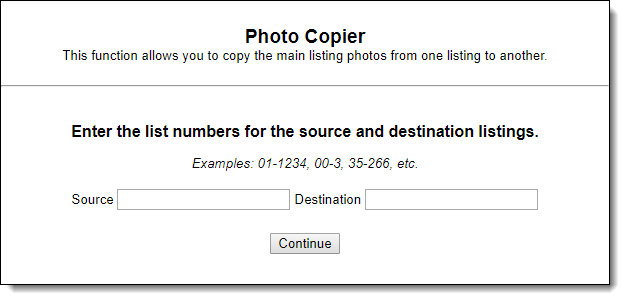
Photo Copier
Click Photo Copier under Add/Change on the menu to copy photos from one listing to another. In the Source field, enter the listing number that has the photos you want to copy. In the Destination field, enter the listing number that you want to copy photos to. Make sure that you have included hyphens after listing prefixes, if applicable. Click Continue.
Click the checkboxes for the photos that you want to copy, then click Copy.
Note
Private photos can be copied, but they will not automatically be marked private on the destination listing.