Mobile Options for You and Your Clients
Both you and your clients can access listing information from Flexmls on your mobile devices.
For Agents
To use Flexmls on a mobile device such as a tablet or smartphone, you can use the mobile website or the Flexmls Pro app.
Flexmls Apps for Android and iOS - If you prefer to use a mobile app, you can download the Flexmls app from the Apple App Store or Google Play. The Flexmls app looks and works just like the Flexmls mobile website. You can access your saved searches from desktop on the mobile app, and vice versa.
Flexmls Mobile Website - The mobile website is a simplified version of Flexmls that is designed for touch-based smartphones and tablet computers. You can access it by using the web browser on your device. No additional download is required.
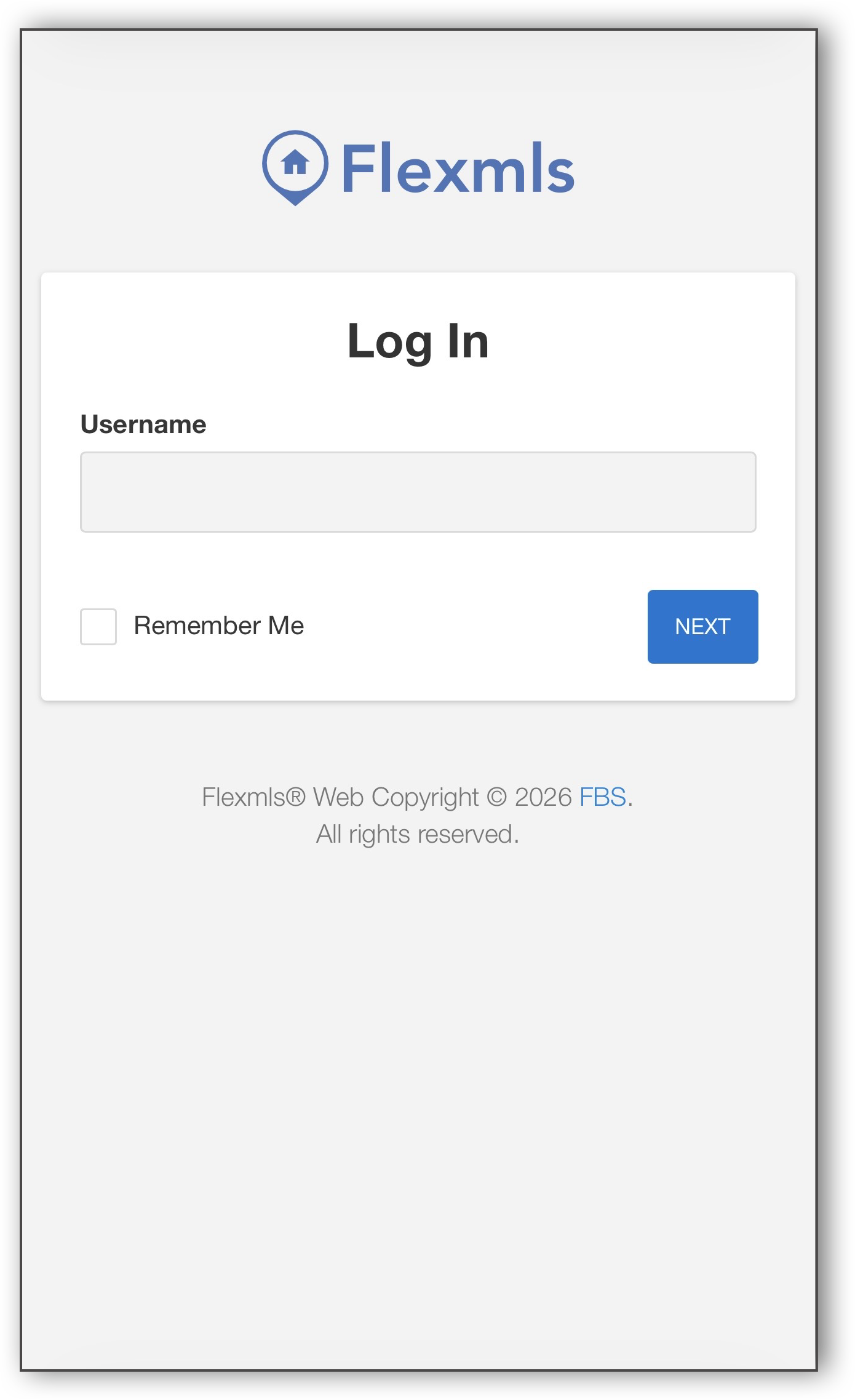
To log in, open your mobile device’s browser and go to m.flexmls.com. Enter your Flexmls username and tap Next. Then, enter your password and tap Log In.
For Clients
Your clients can also choose between a website and an app to view listing information on a mobile device.
Flexmls Portal Website - The Flexmls Portal website is responsive. When clients access the Portal website using a browser on a mobile device, the user interface automatically adjusts to the smaller screen size. No additional download or separate mobile URL is required. For more information about the Flexmls Portal, see Client Portals in Flexmls.
Flexmls Homebuyers App - Your clients can also download the Flexmls for Homebuyers App from the Apple App Store. The Flexmls for Homebuyers App looks and works like the Flexmls Portal. For more information, see The Flexmls App for Your Clients.
Important
When downloading an app from Google Play or the Apple App Store, it's important to note that the app for your clients is called Flexmls for Homebuyers; the app for agents is called Flexmls for Real Estate Pros.