Licensee Management: PDF Uploads
If you have made previous changes to your license terms and have executed new data license agreements outside the Spark Datamart, you can upload completed PDF documents to data plan subscriptions and reported licensees to help you keep track of relevant agreements.
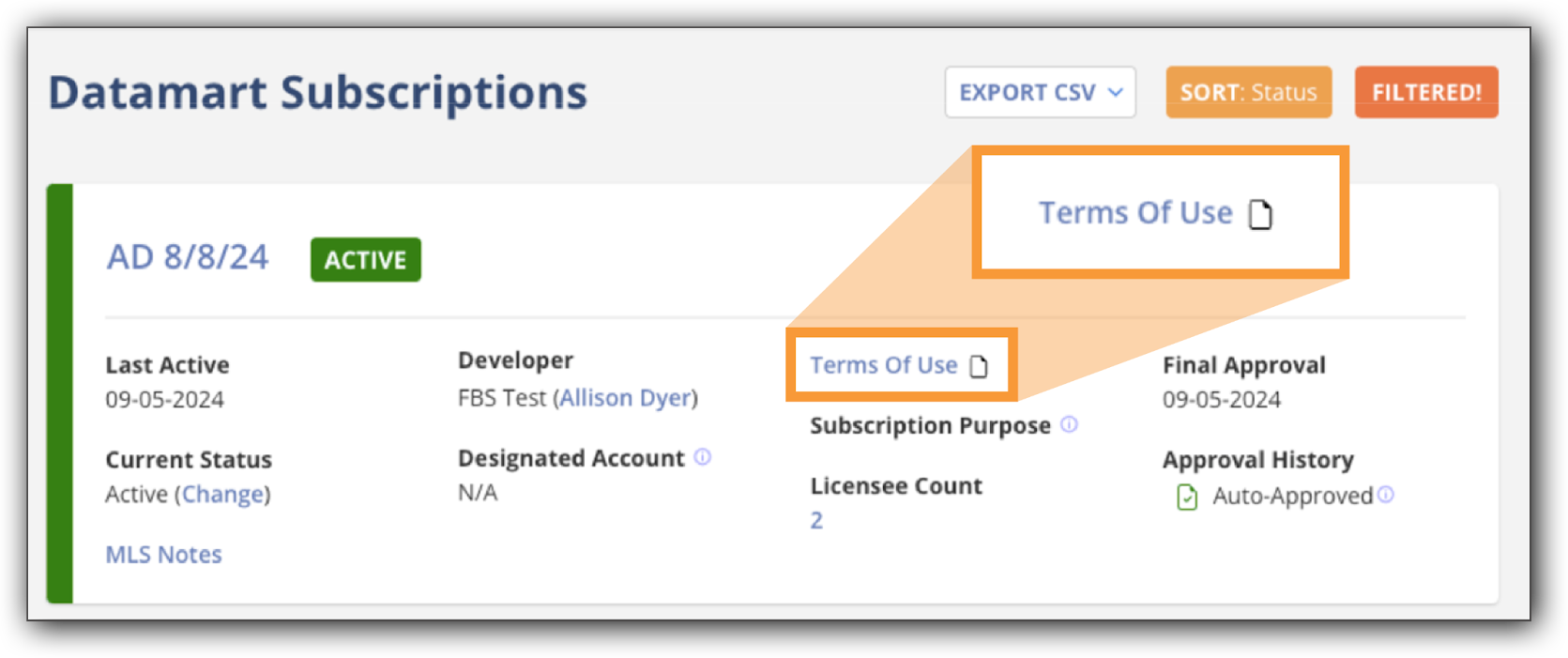
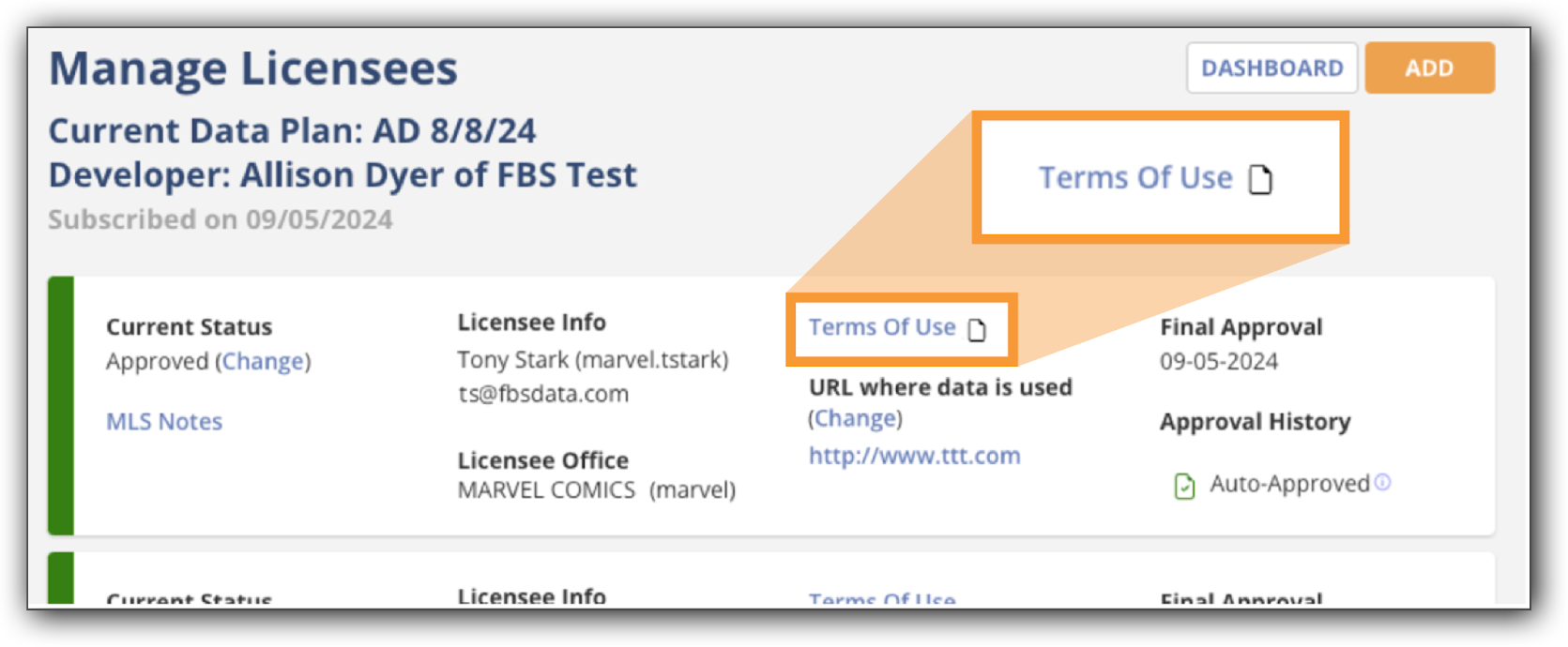
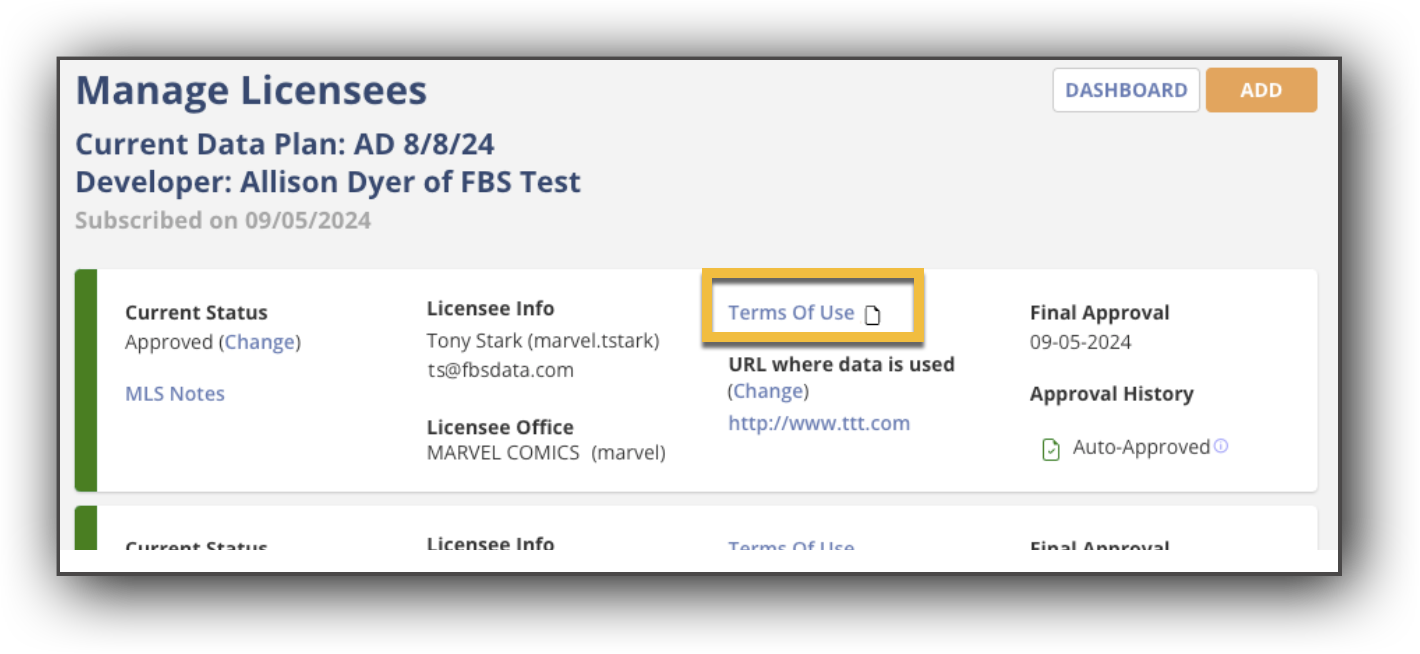
To upload a PDF document to a data plan subscription or an individual licensee, click the Terms of Use link, and then click Upload PDF.
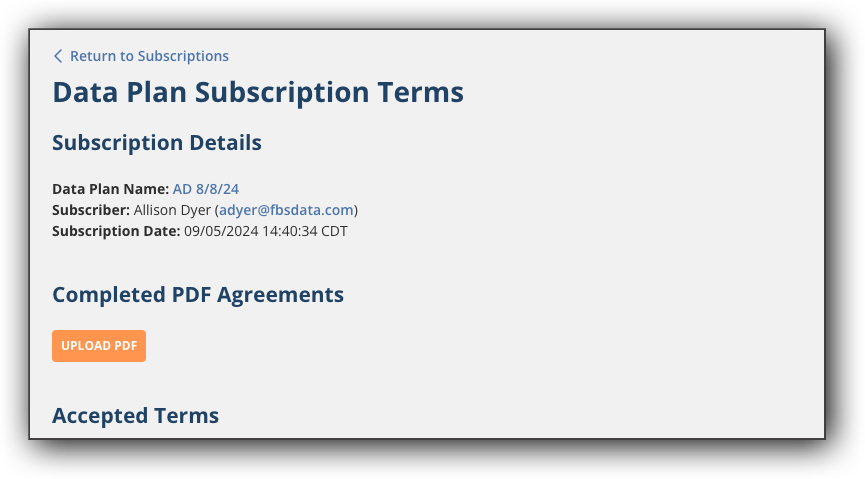
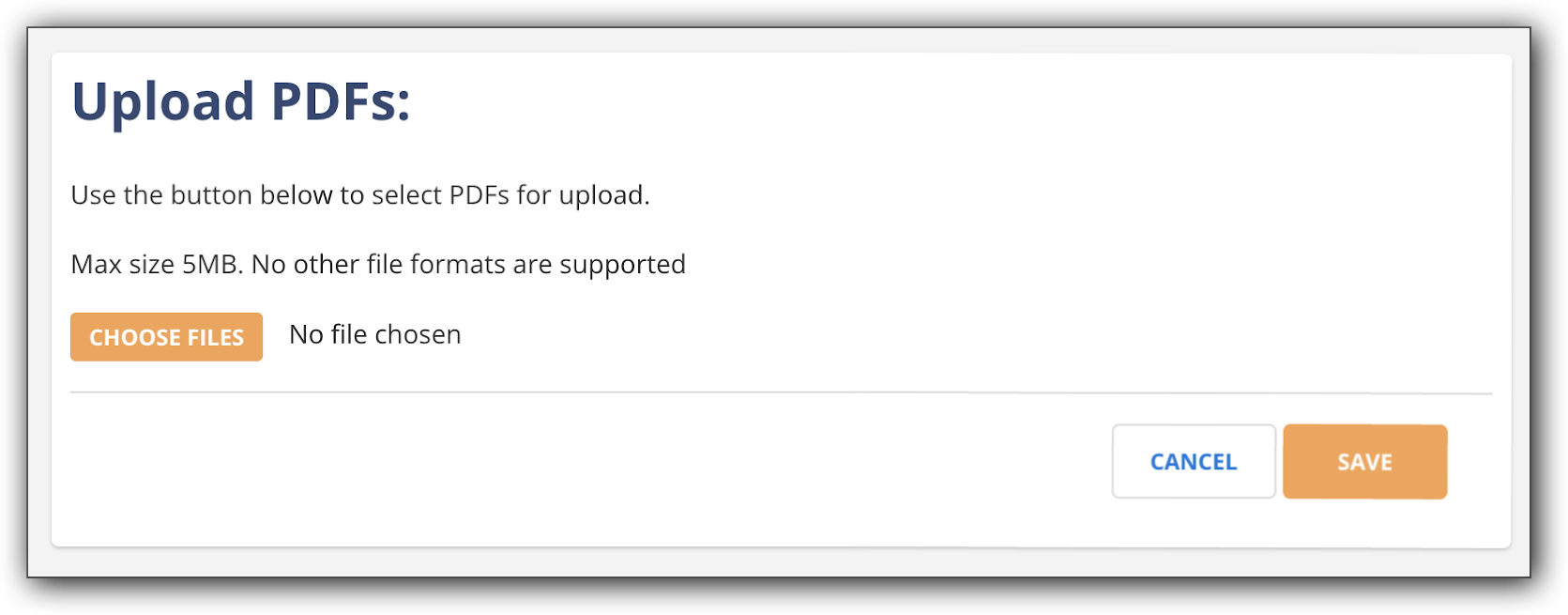
Click Choose Files to select the PDFs you want to upload from your computer. When you have selected the PDFs, click Save.
The uploaded PDFs appear on the Data Plan Subscription Terms page as clickable links that open in a new browser tab.

When completed license agreement PDFs are added to a data plan subscription or attached to individual licensees, a file icon appears next to the Terms of Use link to denote that there is an attached PDF.