Photography Network
MLSs have the option to activate the Flexmls Photography Network, which is a network of photographers or photographer offices that the MLS has vetted and verified. The Photography Network allows MLS-approved photographers to upload listing photos and media directly to authorized listings. This allows for a faster listing entry process while ensuring that all uploaded media maintains MLS media standards and licensing requirements.
To activate the Photography Network, reach out to Customer Success (cpr@flexmls.com) so that they can enable the appropriate MLS settings. When the Photographer Network is activated, agents can manually add the accounts of the photographers in the Photographer Network.
Once activated, here is how the Photography Network works:
The MLS approves photographers who agree to MLS licensing terms and media standards.
Agents select an approved photographer from the network when creating or editing a listing.
The photographer receives limited access to upload and manage listing media. The agent remains responsible for listing content while photographers handle media uploads.
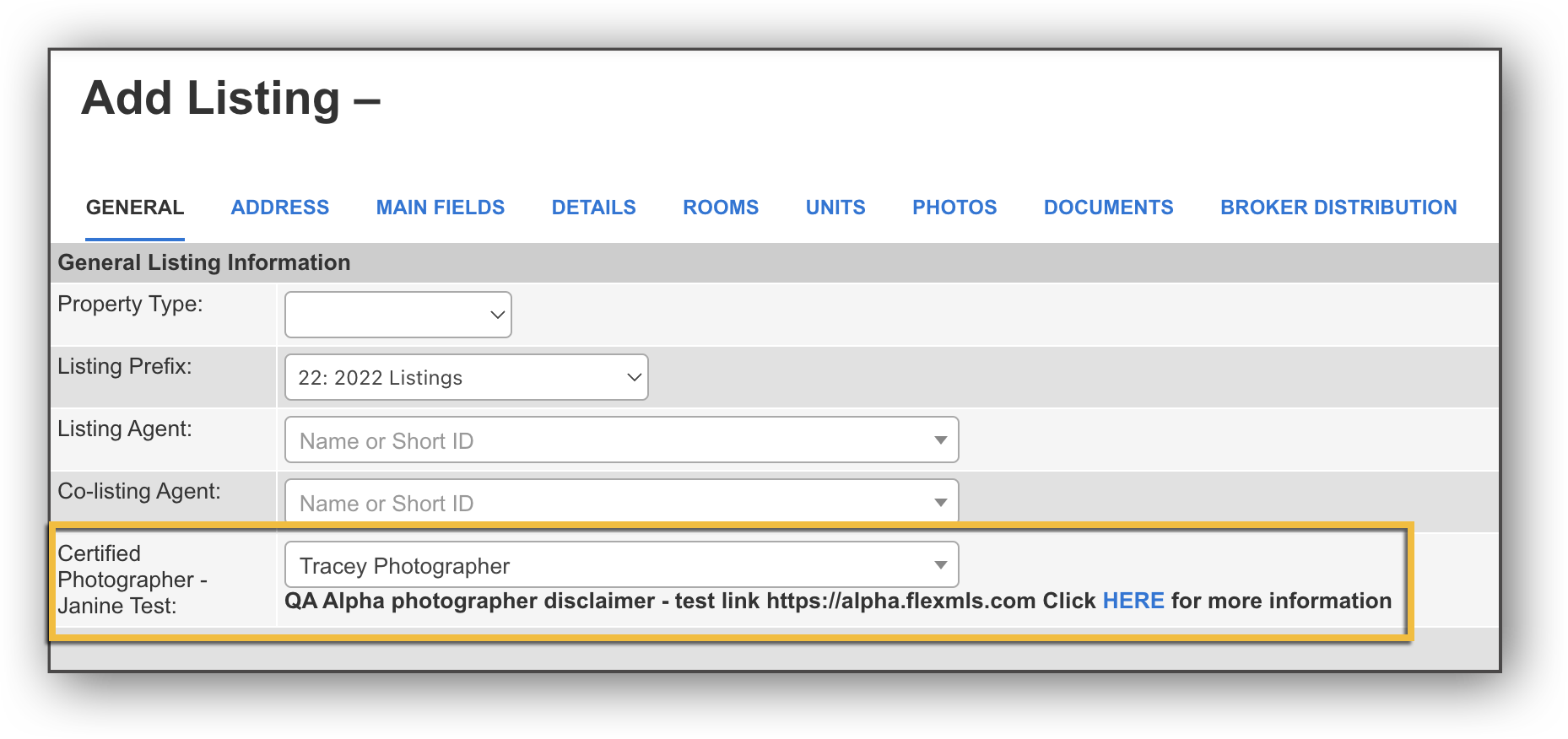
When the Photography Network is activated, a Certified Photographer field appears in the General Tab when adding a listing. Next to this field is a dropdown menu where agents can select the photographer to be added to that listing. When an agent adds a photographer to a listing, that photographer receives a notification email.
Photographers are able to log into a simplified version of Flexmls where they can access the Change Listing page and the listings where they have been added as a photographer. Photographers can manage the media on these listings. When a photographer adds or changes media on a listing, the listing agent receives a notification email. Both the listing agent and the photographer can make modifications to the media on a listing.
MLSs can customize the Certified Photographer field label as well as the disclaimer text that appears below the field. To customize these, reach out to Customer Success (cpr@flexmls.com).