Re-List Report
The Re-List Report checks for instances where a listing has been canceled and then entered as a new listing within seven days. Users with MLS-level and association-level brokerload have access to this report.
To run the Re-List Report, click Inventory & Production under Statistics on the menu.
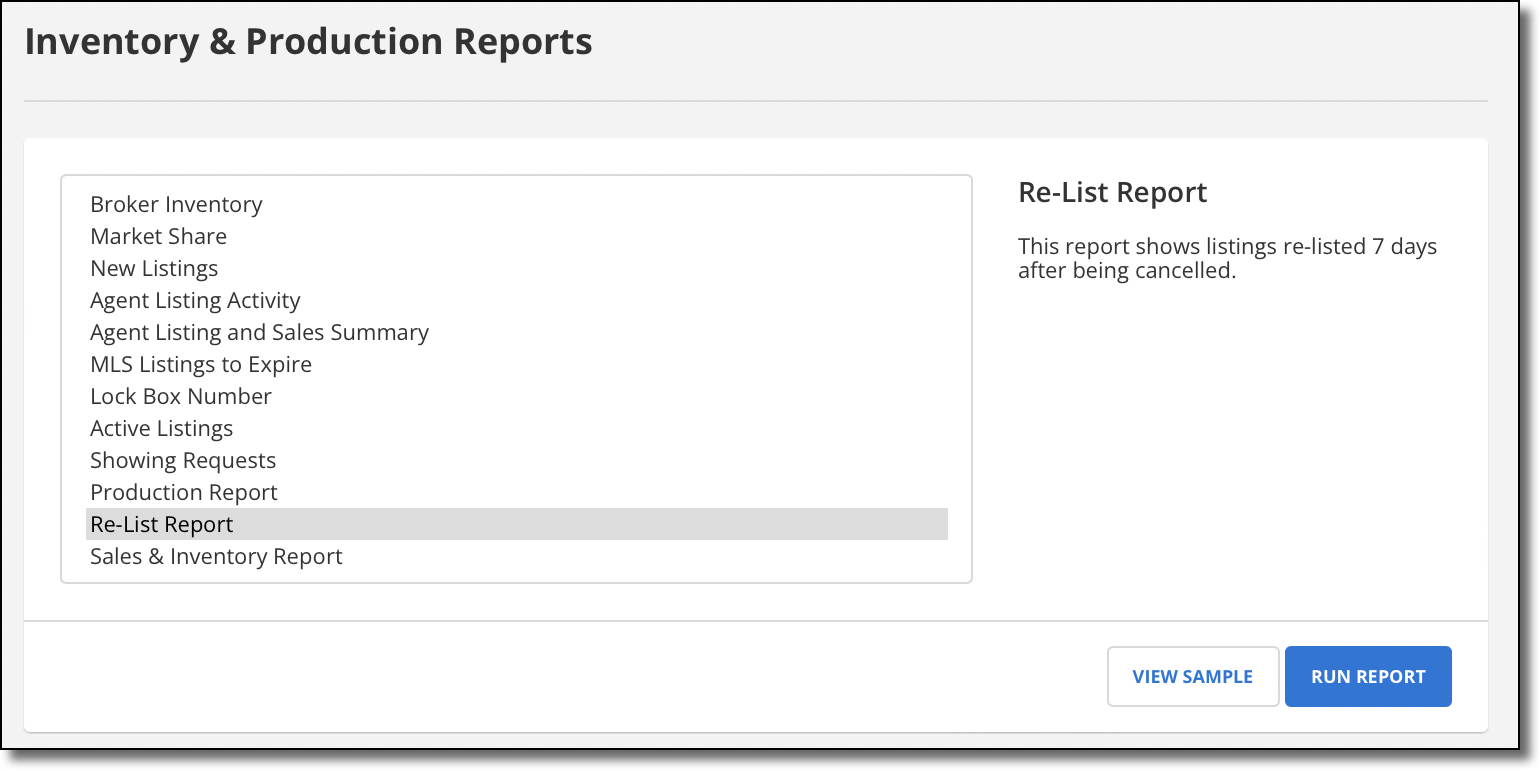
Then select Re-List Report. Select a property type and a date range, then click Run.
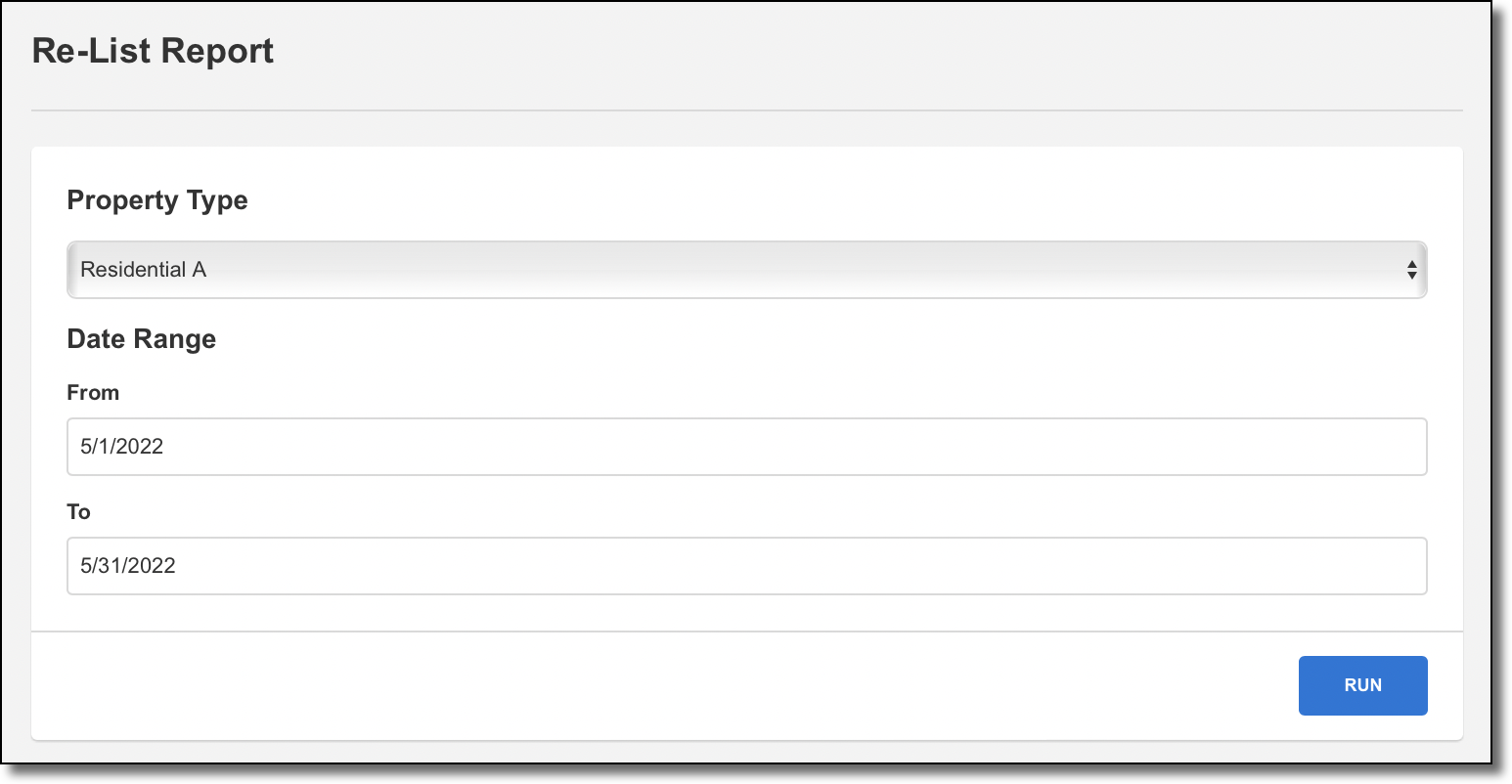
The Re-List Report matches listings based on the same fields that your MLS uses to match listings for CDOM or ADOM. If your MLS does not use either CDOM or ADOM, the report matches listings based on the fields that your MLS uses to match listing history. Matching listings will appear on the report if a canceled listing's Status Change Date is within 7 days of a new listing's Entry Date.
