Remove a Listing
Click Remove under Add/Change on the menu to delete a listing, if you have access to this function. Type the listing numbers you want to delete. Use commas to separate multiple listing numbers. Make sure that you have included hyphens after listing prefixes, if applicable. Click Delete These Listings to continue.
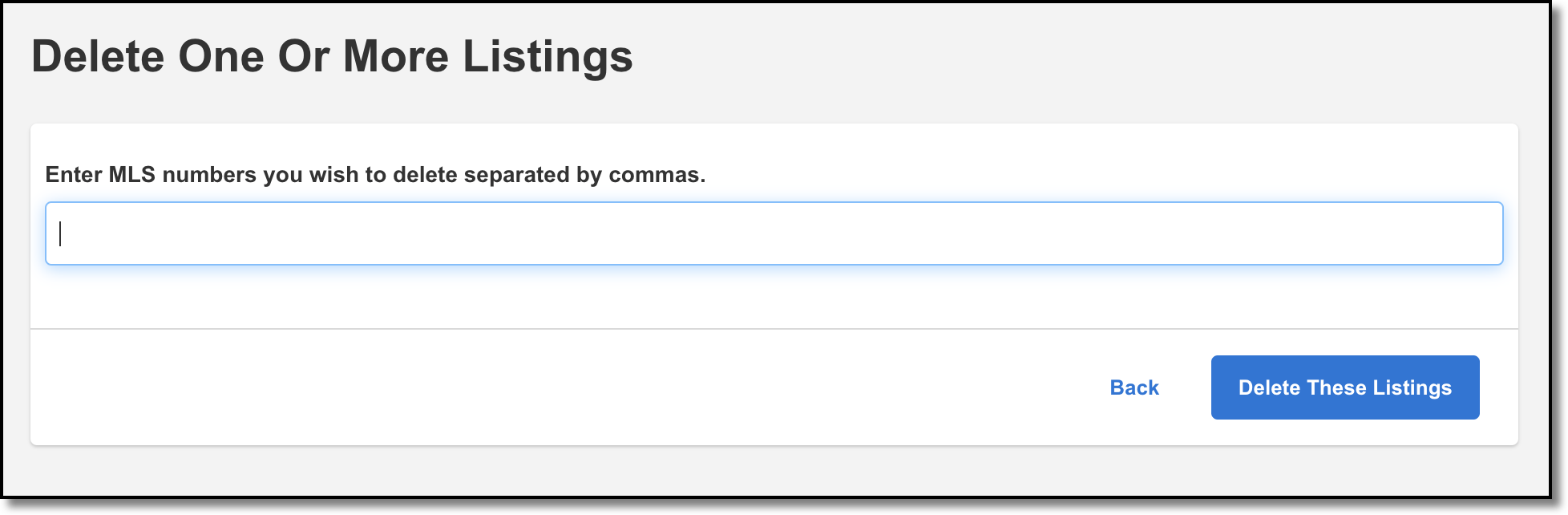
Click Next to confirm and delete the listings.
Note
Listings are never completely removed from the system. Deleted listings are hidden from members, but administrators can still access them.