Full Copy
MLS administrators can use the Full Copy function to make a complete copy of a listing.
Note
Members can also use the Full Copy function if the "Allow members to Full Copy listings" MLS setting is enabled.
Click Full Copy under Add/Change on the menu.
Enter the MLS number of the listing that you want to copy.
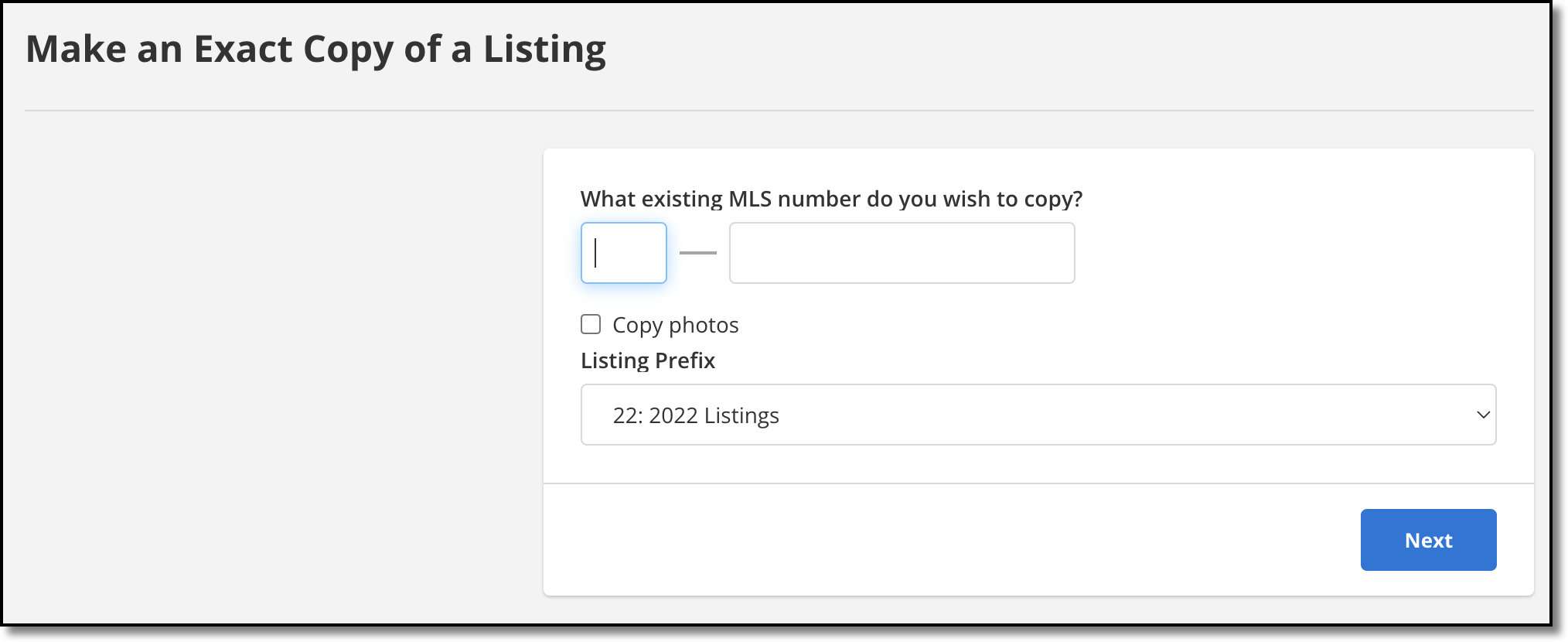
Select the Copy photos checkbox if you want to copy photos, then click Next.
Note
If the existing listing has private photos, they will be copied, but they will not be marked private on the new listing.
Select a property type, then click the Next button to open the listing maintenance page.
Make any necessary changes to fields for the new listing and be sure that all mandatory fields are completed.
Click Add Listing to save the new listing.