Third-Party Integrations
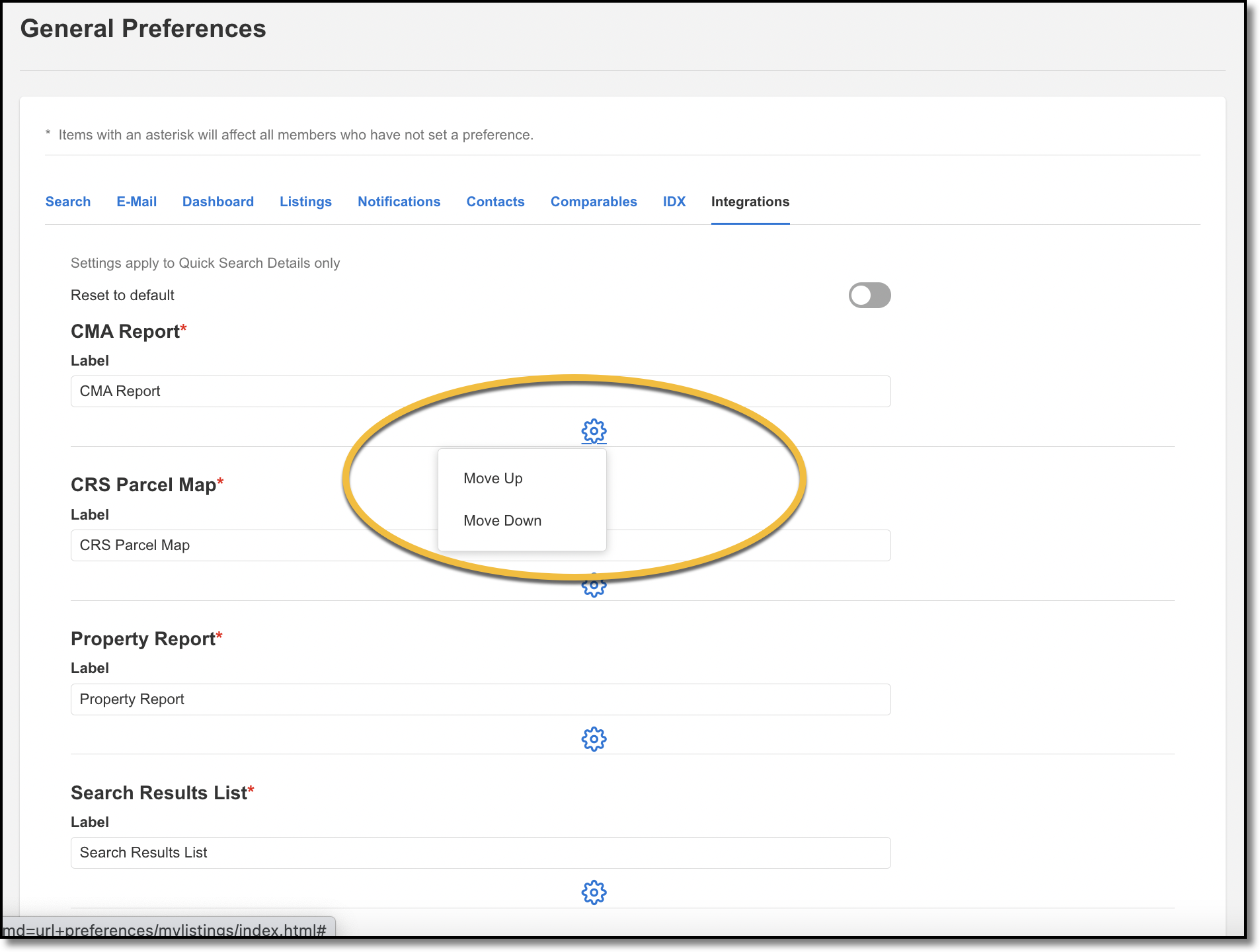
Admins can customize the order of the third party integrations listed on the Quick Search Detail tab. This functionality allows admins to choose which third-party integrations appear first, and which ones get grouped into the More dropdown on the Detail tab. The order of third-party integrations in the Detail tab can be viewed by your members, but members cannot make changes to the order of third-party integrations. Only admins have access to this functionality.
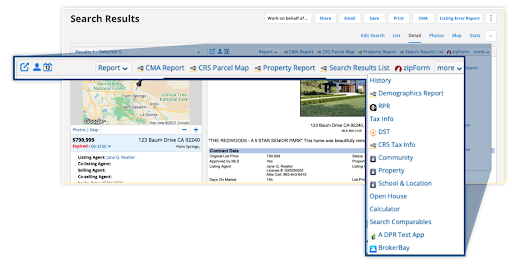
To make third-party integration customizations, go to Menu > Preferences > General Preferences > Integrations. Click on the  icon, and click Move Up or Move Down to rearrange the order in which your third party integrations appear. The order that you specify will be reflected in the Quick Search Detail tab.