Address
Enter complete address information on the Address section of the listing input form.
Note
If your MLS uses Auto Assistant, the fields in this section will be autofilled.
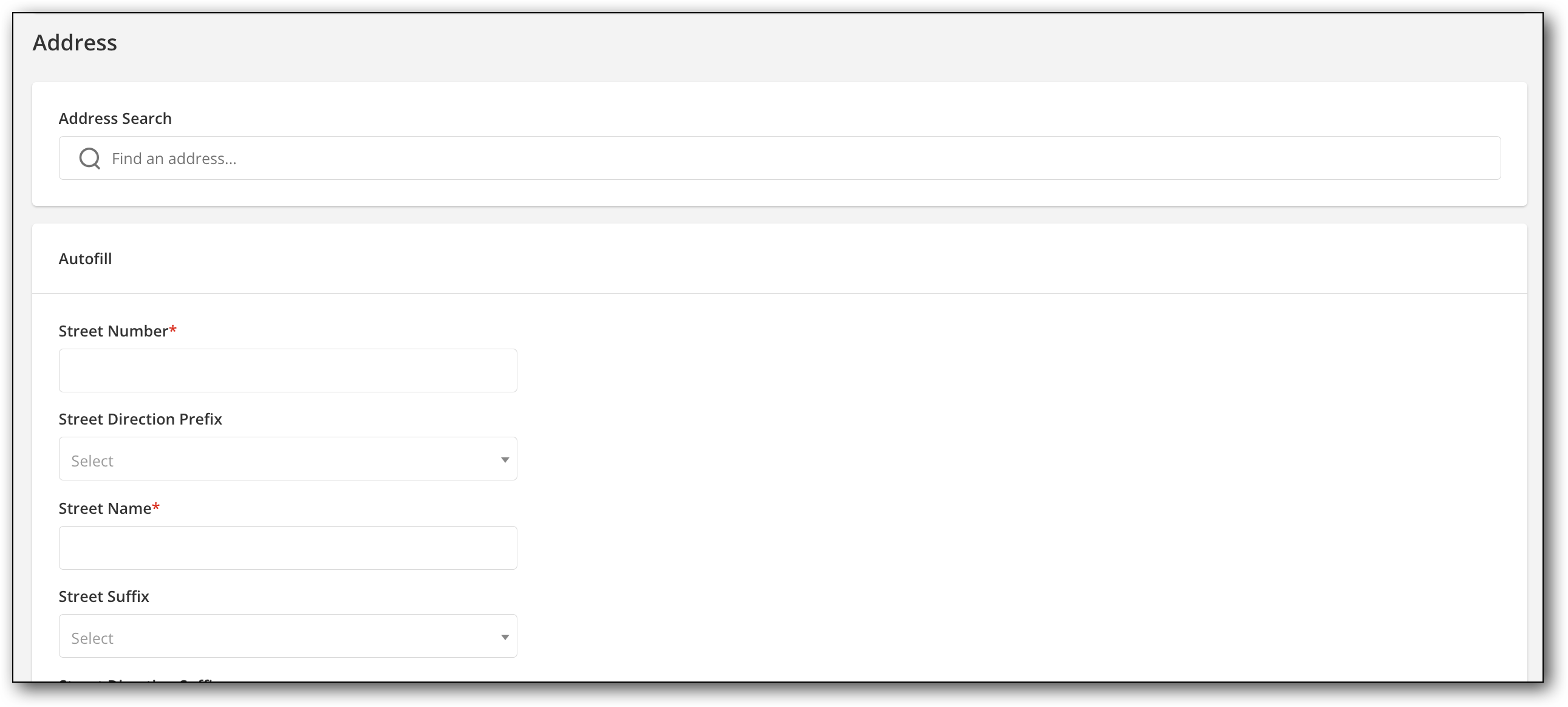
To start, type the address into the Address Search field, and select the correct address if multiple addresses appear. Many fields will then autofill below. Add any missing address information, such as Unit Number, as needed. If no address appears, you can manually add the information in each field.
Select from predefined lists for City, State, County, and more. Some drop-down lists may become available only after the previous related fields are selected.
Enter the parcel number and tax data for the listing.
If your MLS uses geocoding and the address cannot be automatically verified, you can manually locate the listing on a map, edit the address, or if allowed by your MLS, submit the address without a map location.
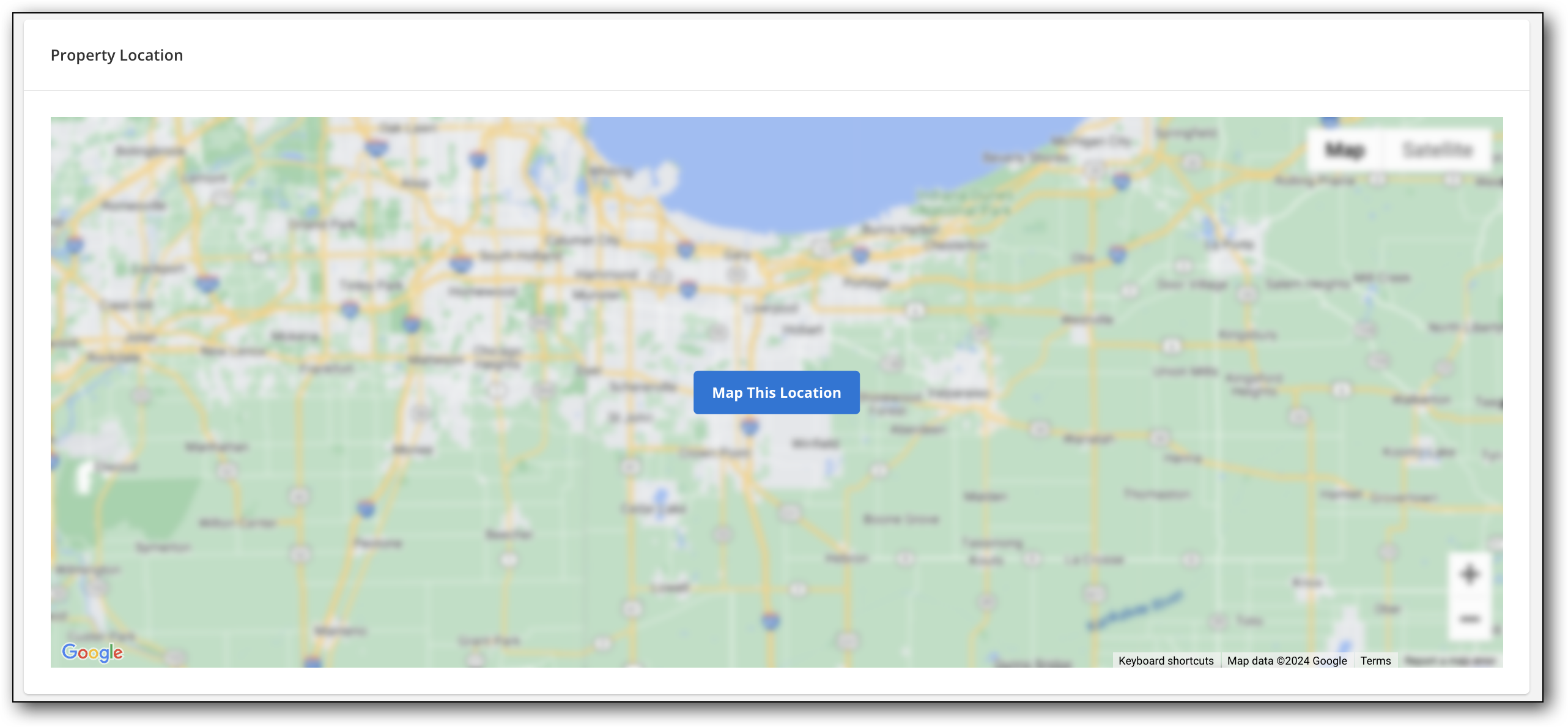
To reset the map location after a listing has been entered, return to the listing input form by going to Change Listing in the menu. If duplicate addresses exist in the system, you may be prompted to review the duplicates before proceeding.