Office/Member Search (iOS)
To search for an office or member using the Flexmls Pro iOS app, tap More in the lower-right corner. In the More page, tap Members. From there, you can use the tabs at the top of the page to search for offices, members, or teams.
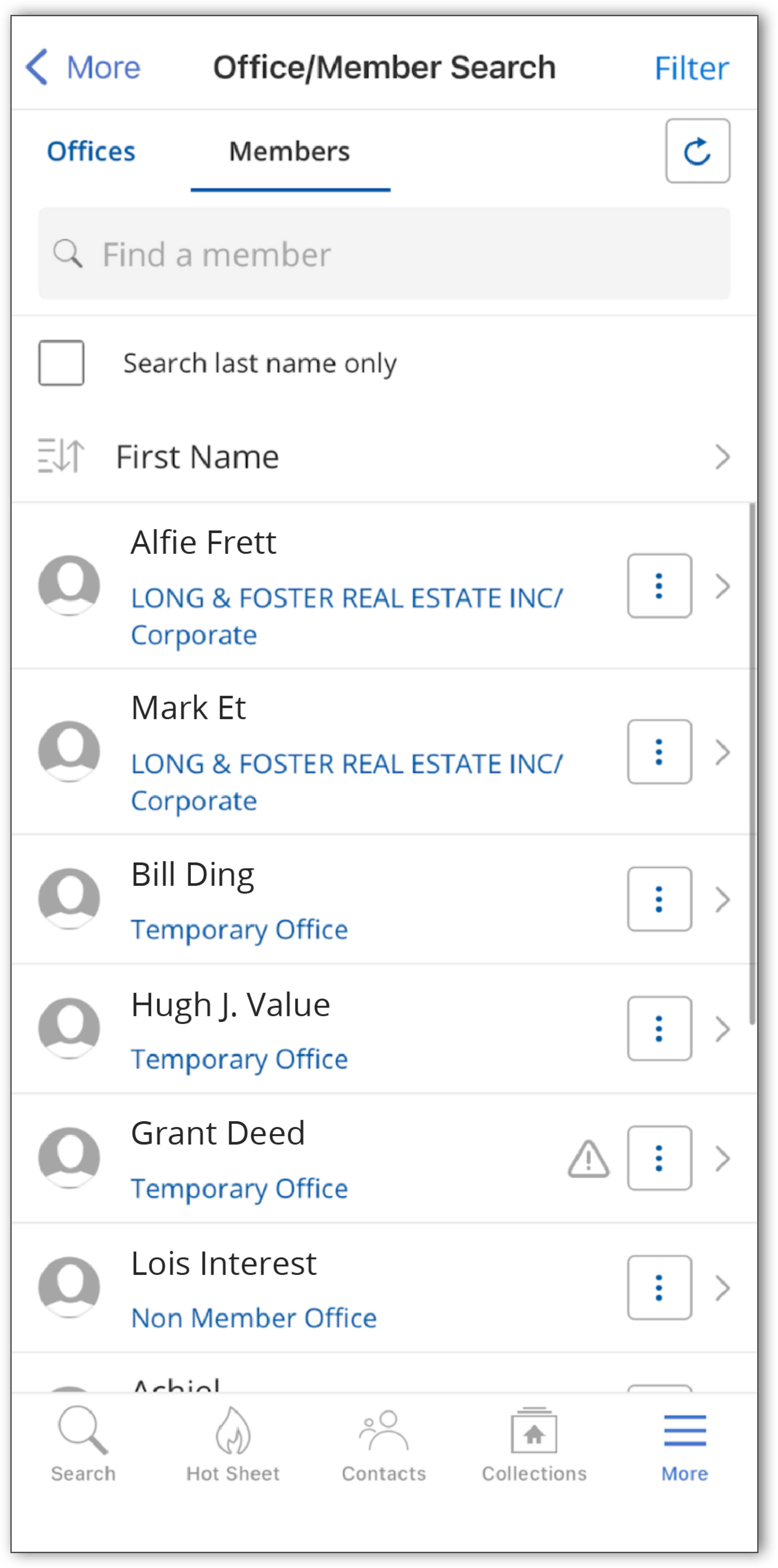 |
To search by member last name only, select the “Search last name only” checkbox in the Members tab.
You can use the search box to enter an office, member, or team name. Tap the sort ( ) icon to sort your search results, and tap the filter icon at the top-right corner to modify your search.
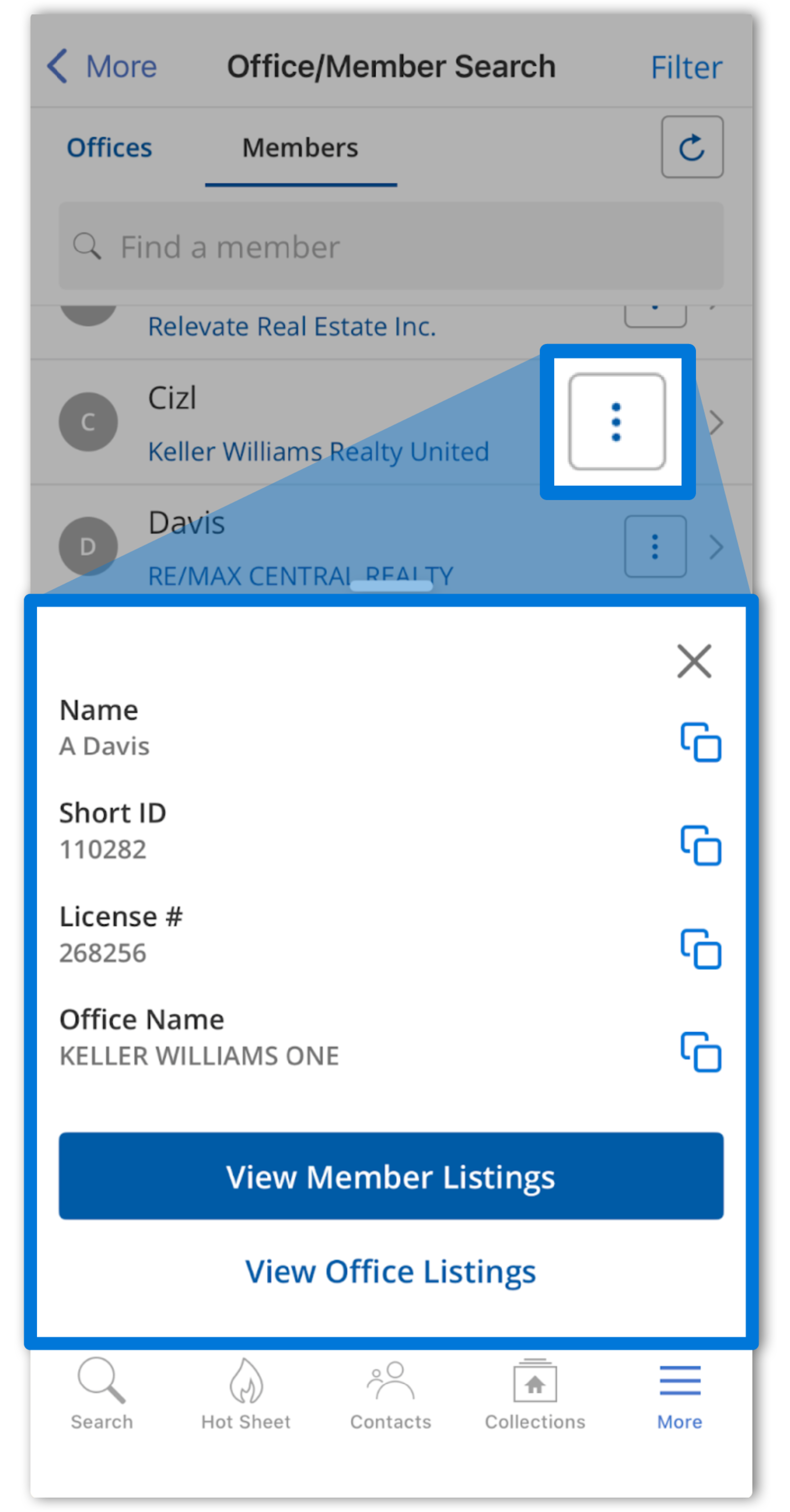
If you are looking to quickly access office or member information, you can tap the three dots to pull up a menu that allows you to quickly copy profile information or view listings.
 |