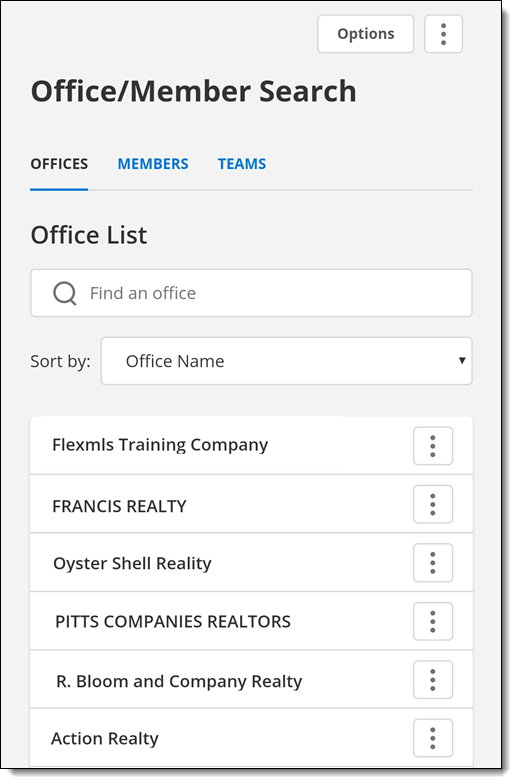
Office/Member Search (Mobile and Android)
Tap the More (three horizontal lines) icon on the menu and then tap Members to find contact information for an office or member in Flexmls.
In the Flexmls app for Android and on the mobile website, the Office/Member Search page has the same functions as the corresponding page in Flexmls Web. For more information, see Office/Member Search. If you are viewing the information on a phone, you can tap a phone number to call it.