Quick Launch Search Tips: Use Commas and Semicolons in Searches
If you are searching for a field such as area and you want to include multiple areas, use commas to separate the areas. For example, you could type area 1, 2, 5, 11 to search for listings in Areas 1, 2, 5, and 11.
If you are already using commas to list multiple criteria for a field and you want to search multiple fields, use a semicolon (;) to separate the criteria for different fields. For example, to search Areas 01, 08, and 09 for 3+ bedroom listings between $200,000 and $275,000, type area 01, 08, 09; 3 br 200-275k.
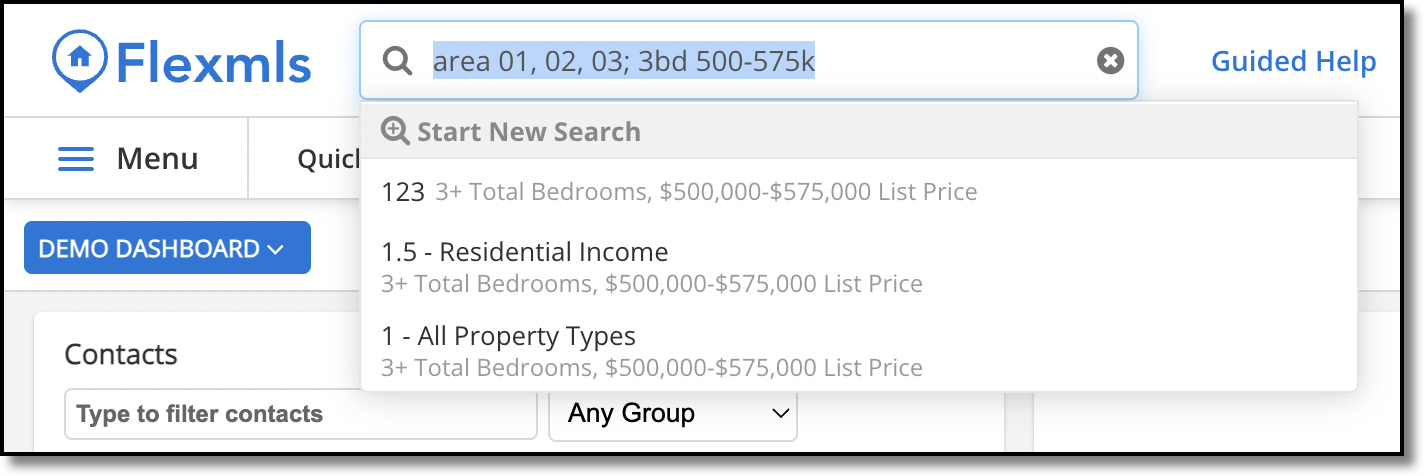
The semicolon (;) is required only if you have already used commas to enter multiple criteria for a field. However, you can use a semicolon to separate any field from another.