Detail Fields
Click Fields - Details under Details on the Admin menu to modify the fields that appear on the Details tab in listing maintenance. Detail fields are set up per property type.
Caution
Caution: Depending on your MLS Settings, certain field settings may be read-only to MLS administrators. Changes to those field settings can only be made by FBS Staff. If your MLS has access to make certain field changes such as changing or removing fields, be aware of the potential consequences of changing or removing fields. See Field Changes for more information.
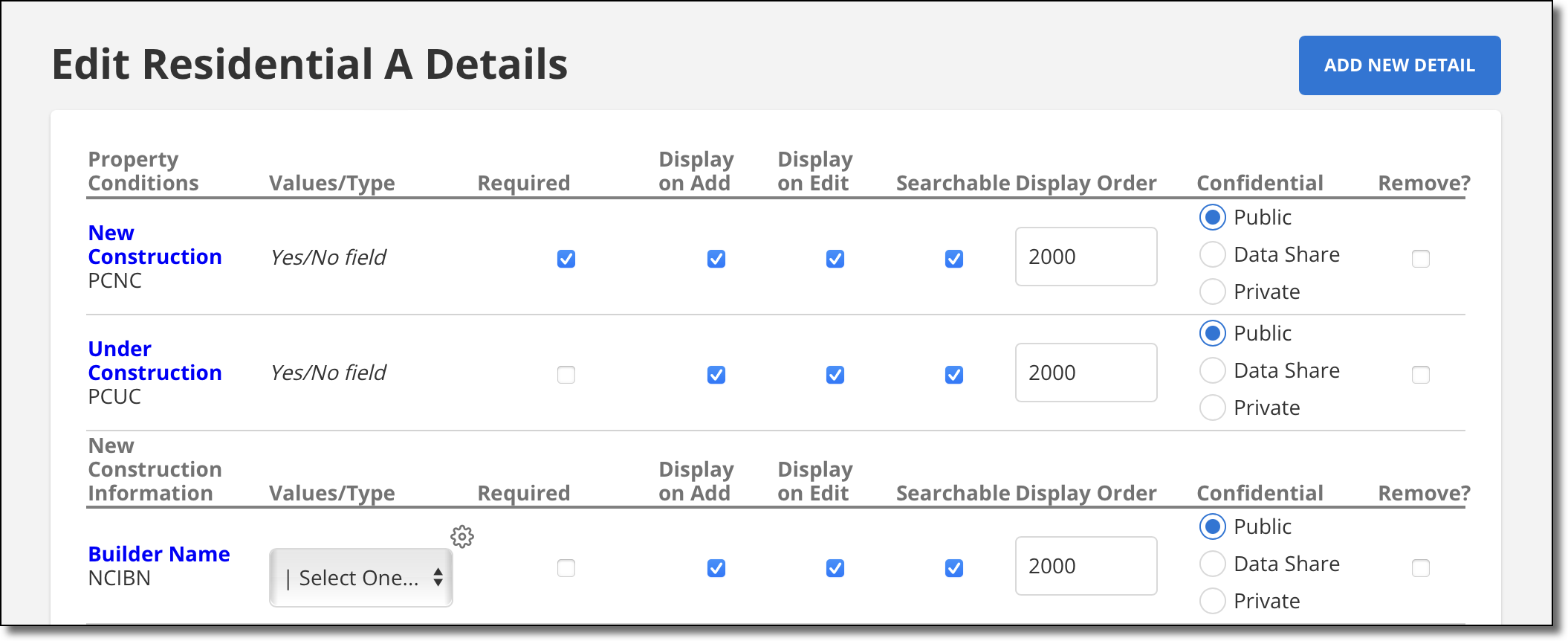
You can edit some properties of existing fields on the Edit Details page.
Values/Type – The data type of the field. If the field is a drop-down list, you can modify the list options by clicking Edit. For more information, see Add or Remove List Items (Detail Fields).
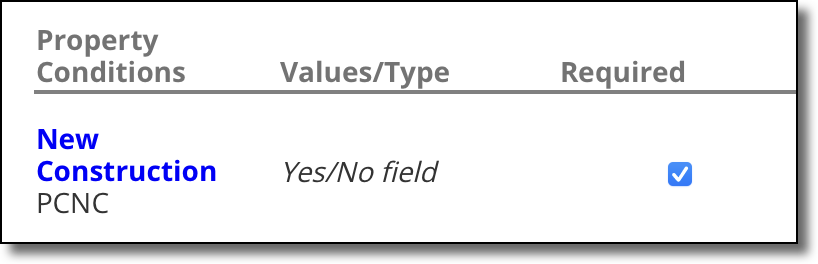
Required – Indicate whether the field is required for entry when adding/editing a listing. On data entry pages, required fields are displayed in red text with an asterisk.
Display on Add – Show the field when adding a listing.
Display on Edit – Show the field when editing an existing listing.
Searchable – Make the field available when choosing search criteria.
Display Order – The order of the field within its group.
Note
To add, remove, or rename a field group, contact the Flexmls Customer Success team (cpr@flexmls.com).
Confidential – Set the privacy level for the field. Fields marked Public will be available to all MLS members, portal users, and anonymous web visitors. Fields marked Private will be available only to members in the same MLS as the listing. Fields marked MLS Data Share will be available to members in the same MLS and data sharing MLSs, but will not be available to the public. For more information, see MLS Data Sharing.
To remove a field, place a check in the Remove column and click the Update button at the bottom of the page.
To add a detail field, see Add or Change a Detail Field.