MLS Email Settings
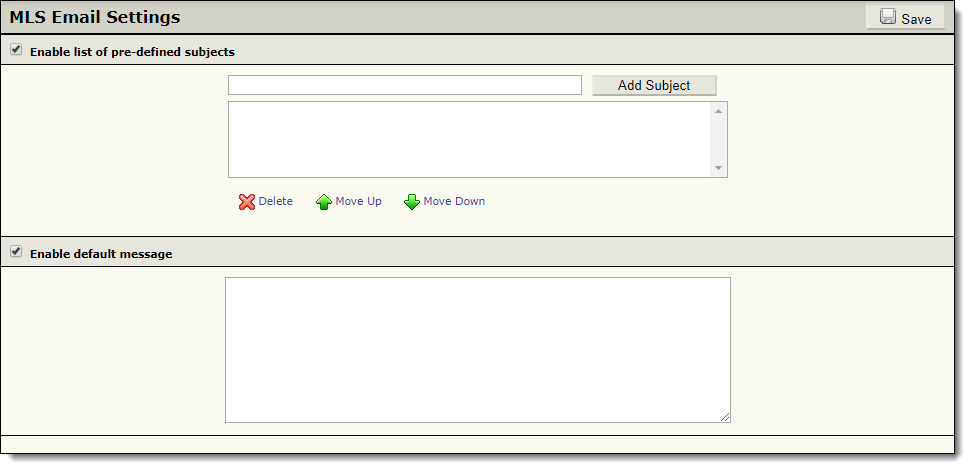
If internal MLS email is enabled in your MLS, you can click MLS Email Settings under General on the Admin menu to set up predefined options for email messages. You can set up predefined subject lines for users to choose from, as well as the default message when a user sends an MLS email. (Users will still be able to specify their own subject line or message.)
You can adjust MLS email access for individual users by using the Settings tab in user maintenance. For more information, see Settings Tab (Add/Change User).
Important
FBS is no longer offering the MLS Email feature to MLSs that are not already using it. The MLS Email feature is being phased out, as this email delivery method is frequently reported as spam, and these reports negatively impact delivery of all emails from Flexmls.