Reports - General
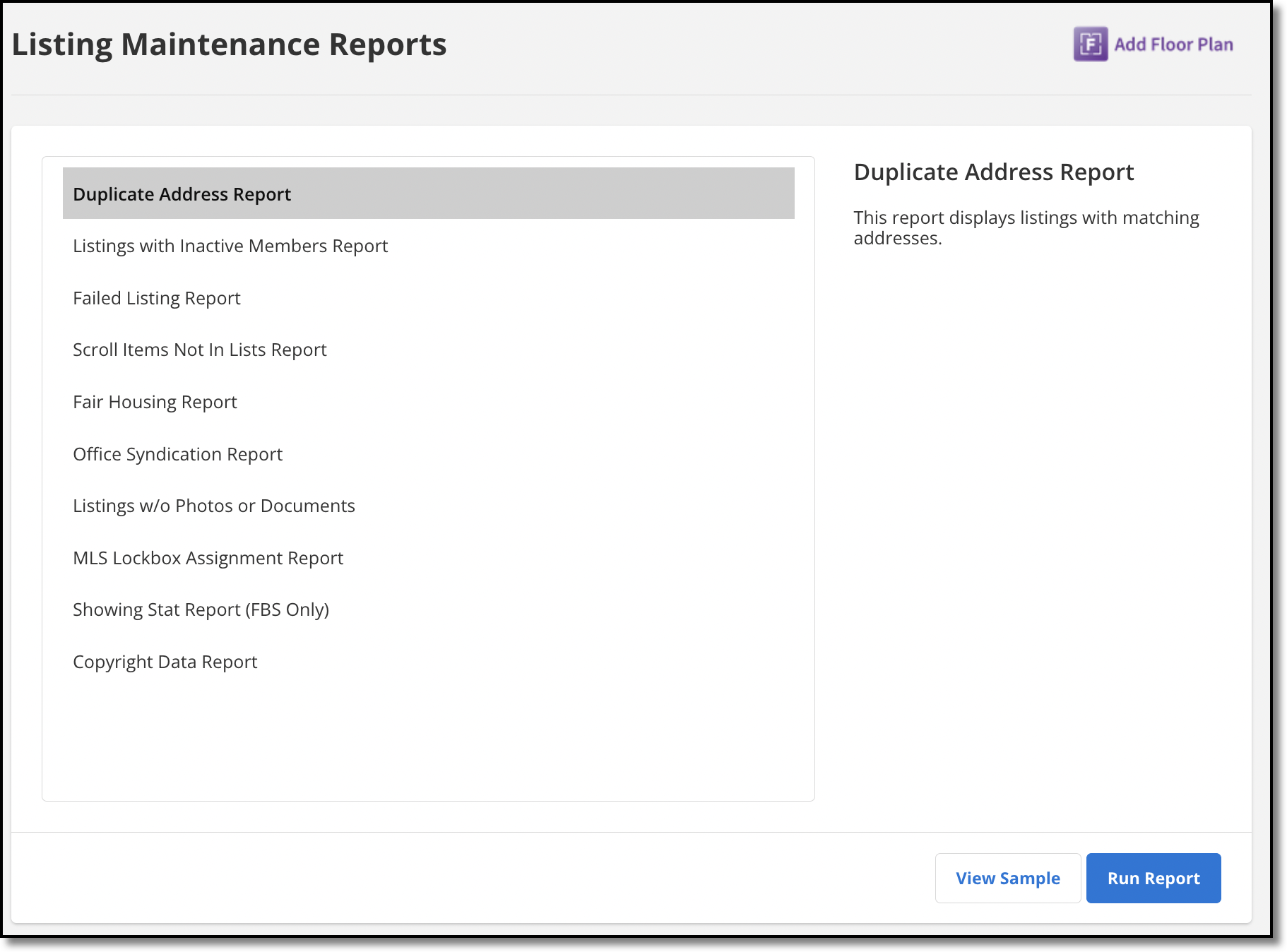
Click Reports - General under General on the Admin menu to run Listing Maintenance reports. Hover over a report name to see its description in the right panel. Click View Sample to open an example version of a report. Click a report name to run the report.