MLS Settings Overview
Click MLS Settings under General on the Admin menu to view and change a wide range of settings for your Flexmls system. Click on a group name to expand a group of settings or click Expand All Categories (browse) to expand all groups.
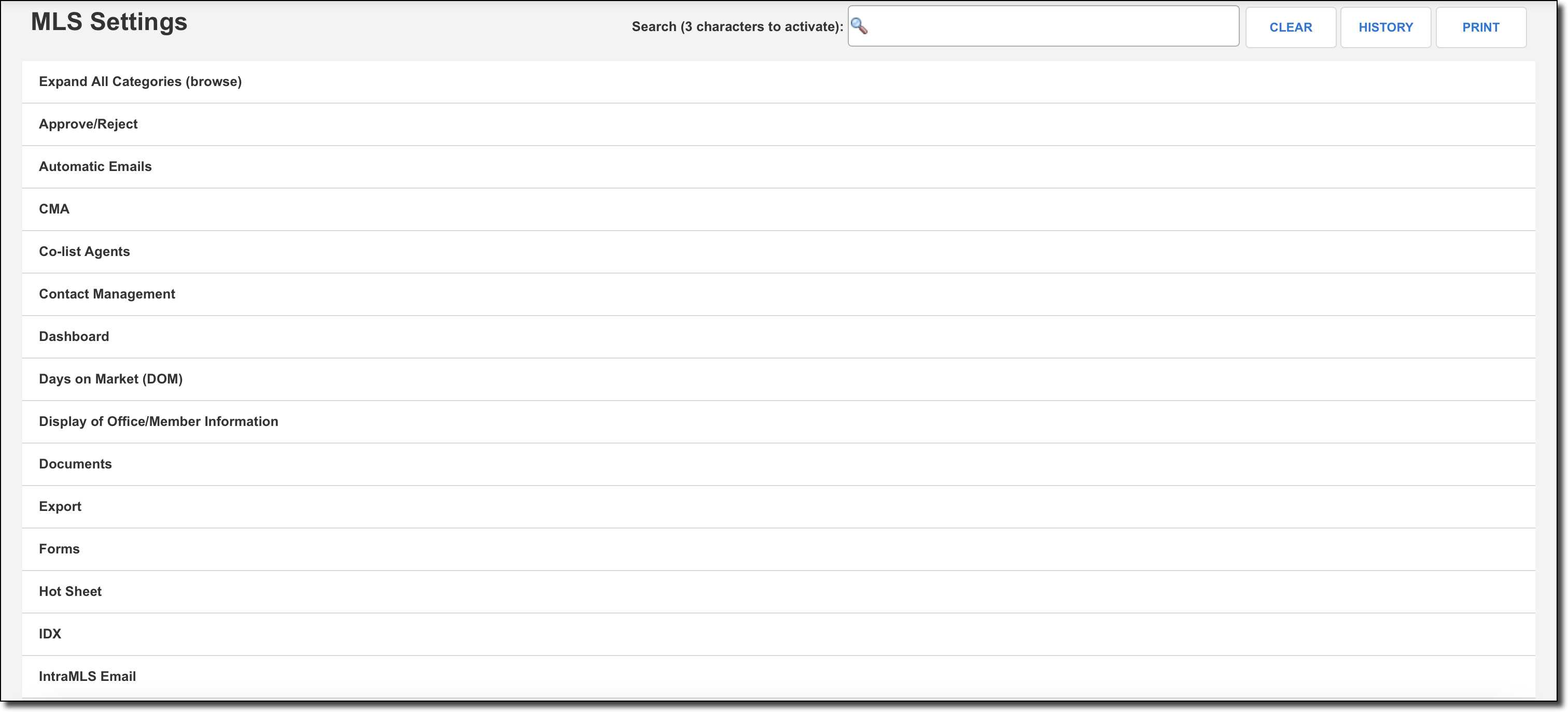
To go directly to a specific setting, use the search box at the top of the page. Type at least three characters to begin your search. To clear what you have entered, click Clear, or press Enter on the keyboard.
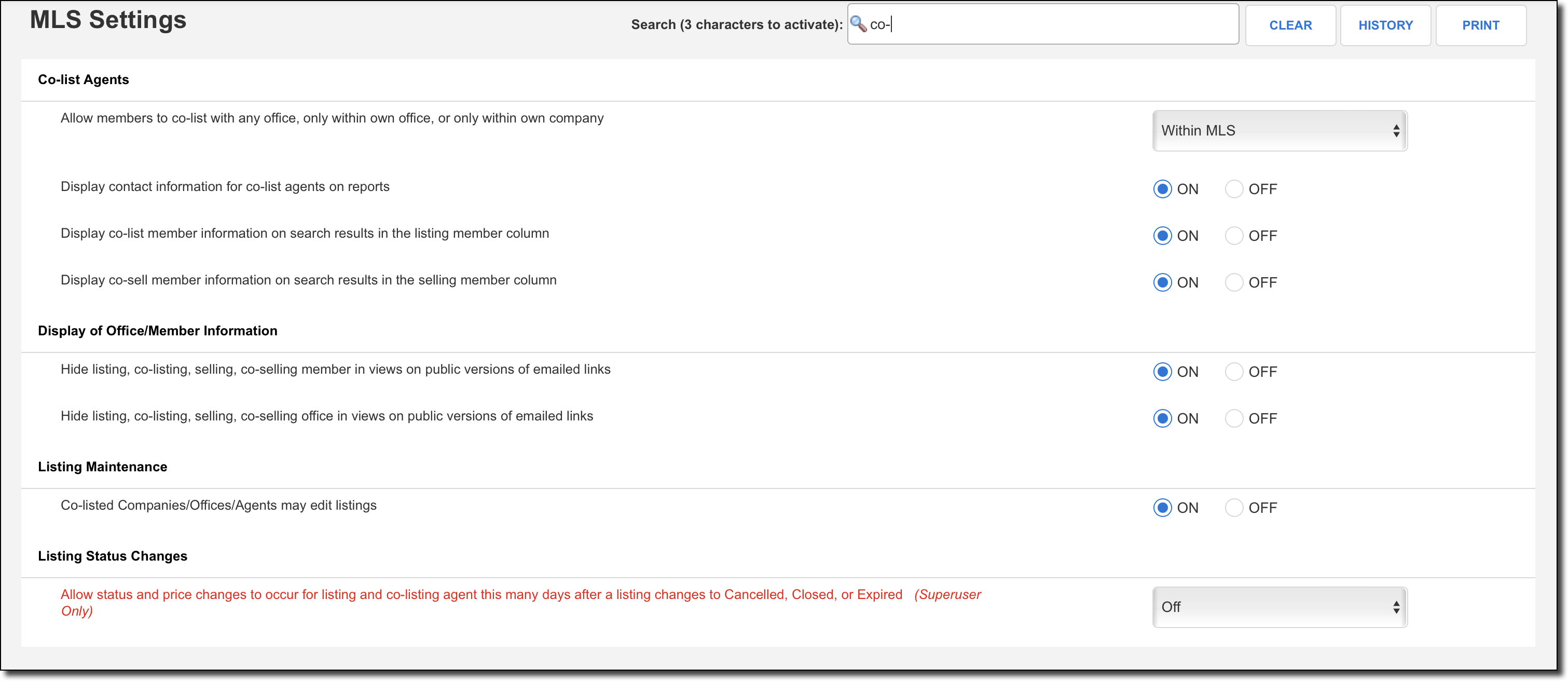
Note
To find new MLS settings, type "new" in the search bar. MLS settings that have been added in the past 365 days include the "new" tag.
Click History in the upper right corner of the page to review a report of MLS settings that have been recently changed, including information about the user who made the change. Click Print to print all current MLS settings.
Some MLS settings are documented on this Administrator help site. For information about every individual MLS setting, see the MLS Preferences Guide PDF.
Note
Some settings are marked "FBS Staff Only" in the documentation, which means that only FBS can turn them On or Off. To discuss changing one of these settings for your MLS, please contact the Flexmls Customer Success team (cpr@flexmls.com).