Security
Click Security on the My Profile page to edit security settings for a Flexmls account, including the username, password, and whether multi-factor authentication is enabled.
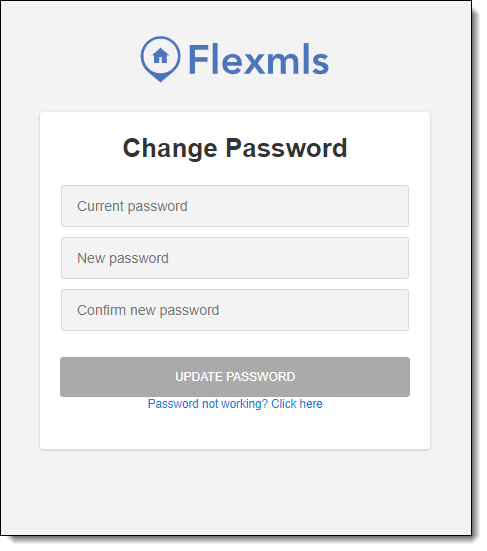
When your members log in to the system for the first time, one of their first tasks should be to change the password they were assigned. To change a password, click the Change Password link. Members will be prompted to enter their current password, then set their new password.
Note
If a member forgets their password, they can reset their password by clicking Forgot Password on the login page.
Password Requirements
Member passwords must include the following:
A minimum length of 8 characters
1 number
1 uppercase letter
1 lowercase letter
In addition to the standard Flexmls password requirements, here are some additional tips to help your members create a strong password:
Use different passwords on different systems and accounts.
Develop mnemonics to remember complex passwords. You can also consider using sentences or phrases to make passwords easier to remember.
Do not use passwords that are based on personal information that can be easily accessed or guessed.
Remember: length is more important than complexity when it comes to creating a strong password. The longer your password, the better.