Edit a User's Profile
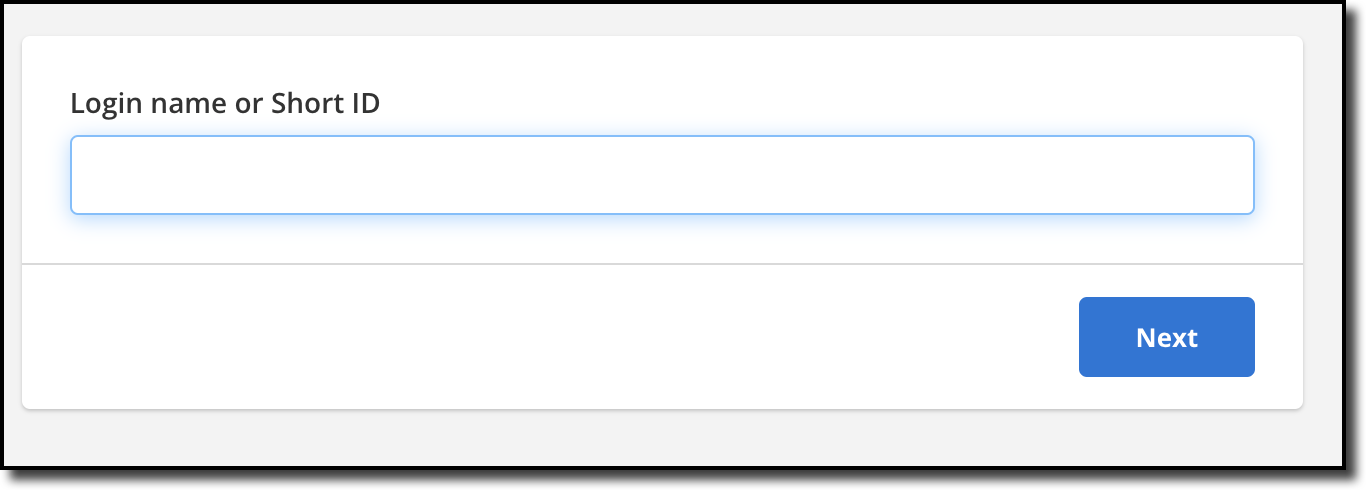
Click Edit Profile under Users on the Admin menu to edit profile information for a user. Enter the login name or short ID of the member whose profile you want to edit and click Next.
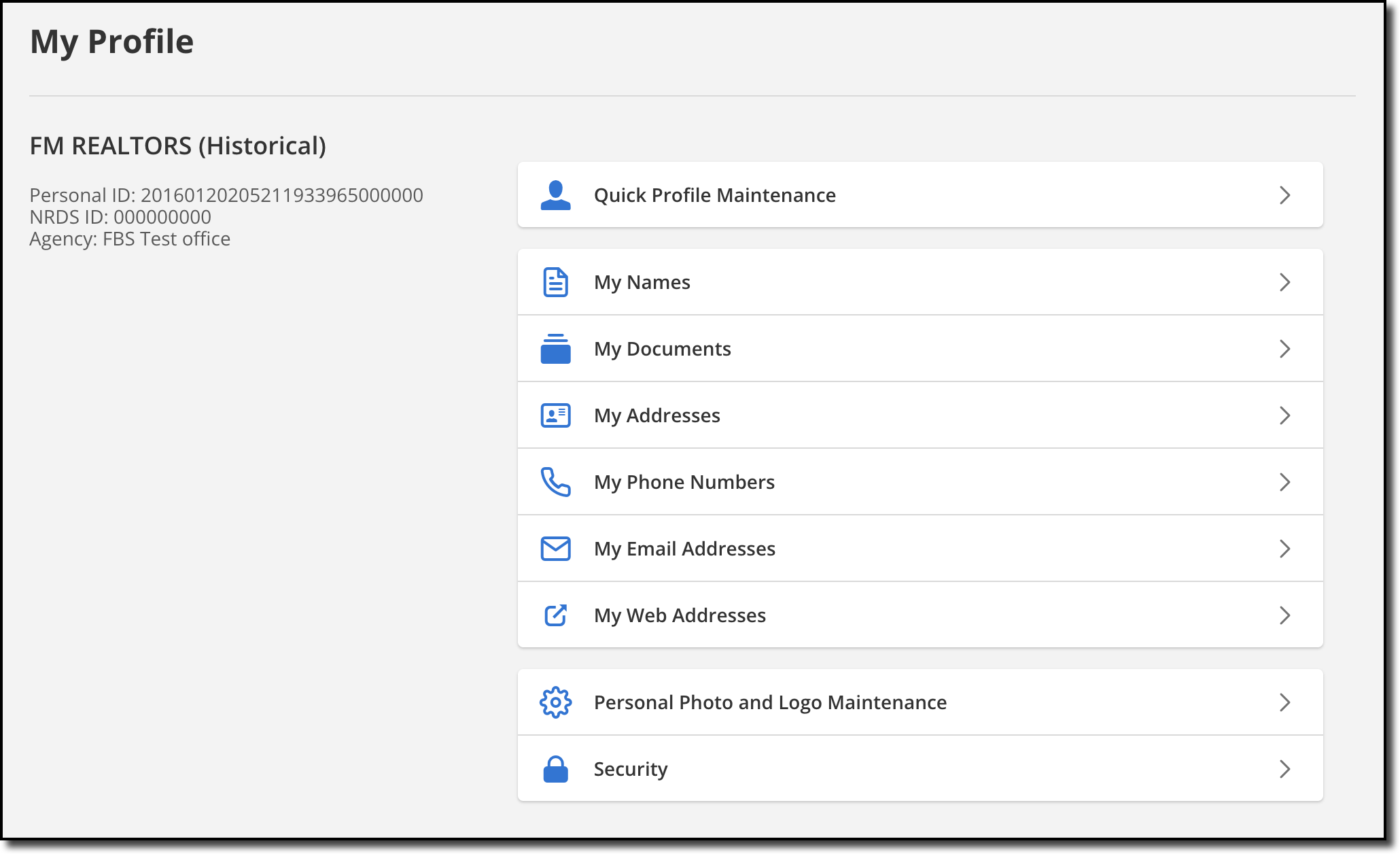
You can make changes in any part of the member's profile, including Quick Profile Maintenance, My Names, My Addresses, My Email Addresses, My Documents, My Phone Numbers, My Web Addresses, and Personal Photo and Logo Maintenance. For more information about the available options, see My Profile on help.flexmls.com.
You can make changes in any part of the member's profile, including Quick Profile Maintenance, My Names, My Addresses, My Email Addresses, My Documents, My Phone Numbers, My Web Addresses, and Personal Photo and Logo Maintenance. For more information about the available options, see My Profile.
Note
If your MLS uses a member management system, some profile information may not be editable in Flexmls. You will need to contact your MLS to change this information.