Virtual Tour Providers
If you have third-party vendors who create photos, videos, and virtual tours for agents, you can set them up as virtual tour providers in Flexmls. A virtual tour provider can upload photos, videos, and virtual tours to any active listing in the system, but cannot access any other functions in Flexmls. Allowing providers to load their own videos enables agents to spend their time working with clients rather than managing listing information.
Set Up a User as a Virtual Tour Provider
Click Add User under Users on the Admin menu.
After entering the required information for the user, click the Settings tab. Scroll to the setting called Virtual Tour Provider.

To make the user a virtual tour provider, click the radio button next to Yes: This user may only upload photos and virtual tours to any active listing; no other system access is provided.
Note
When set to Yes, this setting overrides all other brokerload settings. No matter what else is selected in the user's settings, the user will not have access to any other functions in Flexmls.
Click Save when you are finished making changes.
What a Virtual Tour Provider Sees in Flexmls
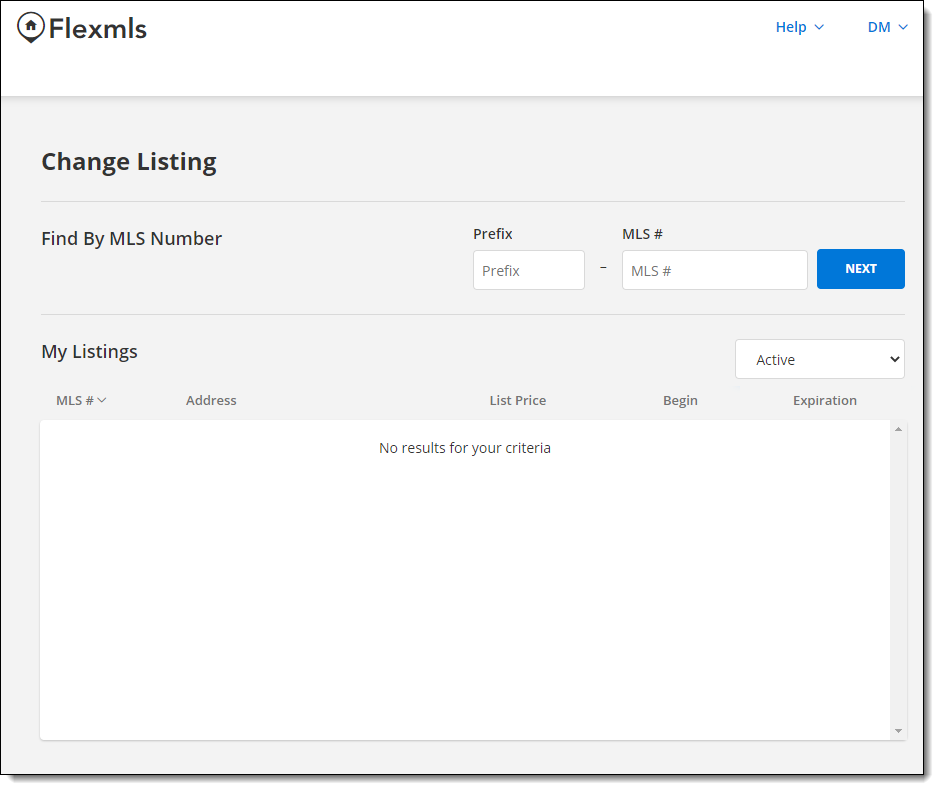
When a virtual tour provider logs in to Flexmls, the Change Listing page will be displayed automatically. The user will not see the Flexmls menu. From this page, the user can enter or select an MLS number (provided to them by an agent) and click Next.
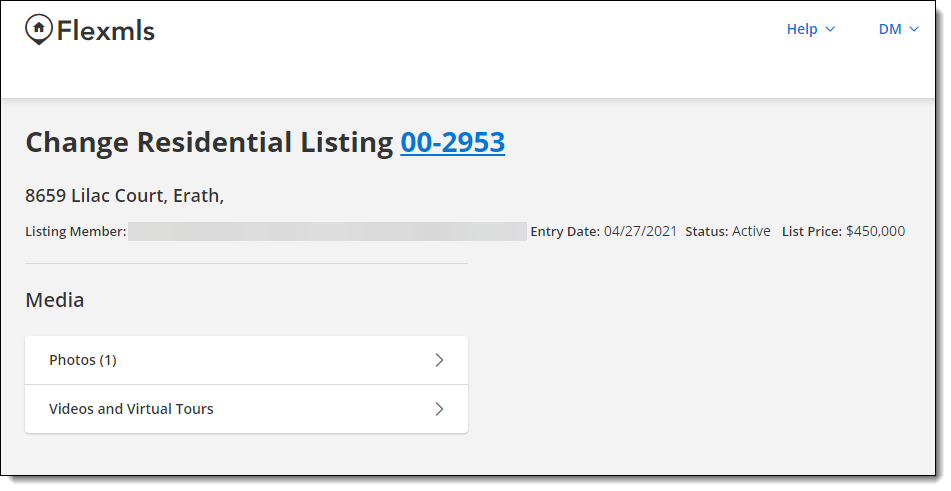
The Change Listing page for the listing will be displayed. The virtual tour provider will only be able to see the Media section of the page, where they can upload, replace, or remove photos, videos, and virtual tours.