Add a Secondary Watermark
If your MLS allows, you can add an additional, secondary watermark to photos that you upload to a listing. Your MLS determines the wording of the watermark.
To add a secondary watermark to a photo, click the sunburst icon in your uploaded photo. The watermark will display in the upper left corner of the photo.
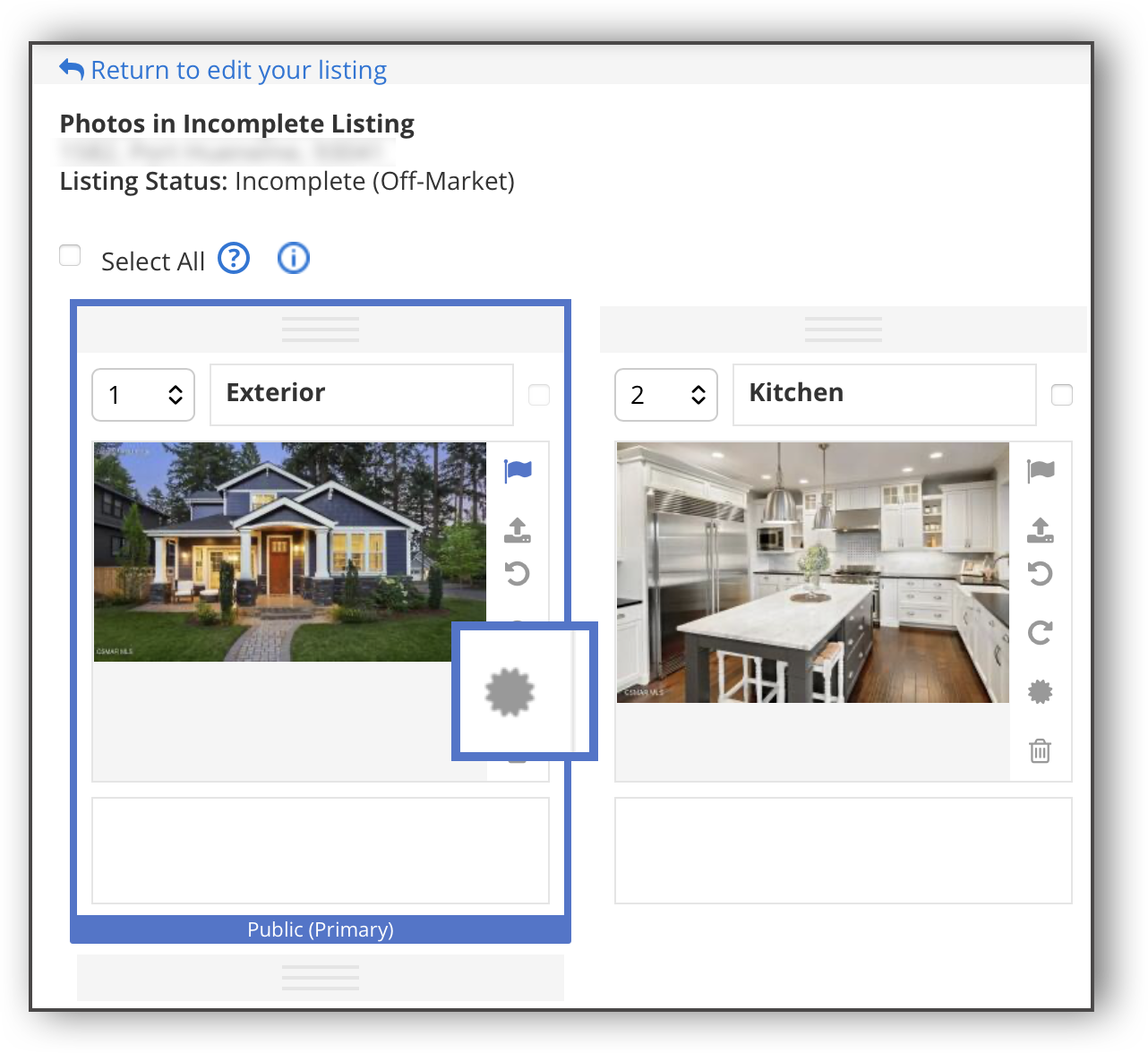
The watermark can be added to individual photos only. It cannot be added to a group of photos all at once.
Once the watermark is added, it cannot be removed. If the watermark was added in error, delete the photo and re-upload it to the listing.