Create a Pop-up Message
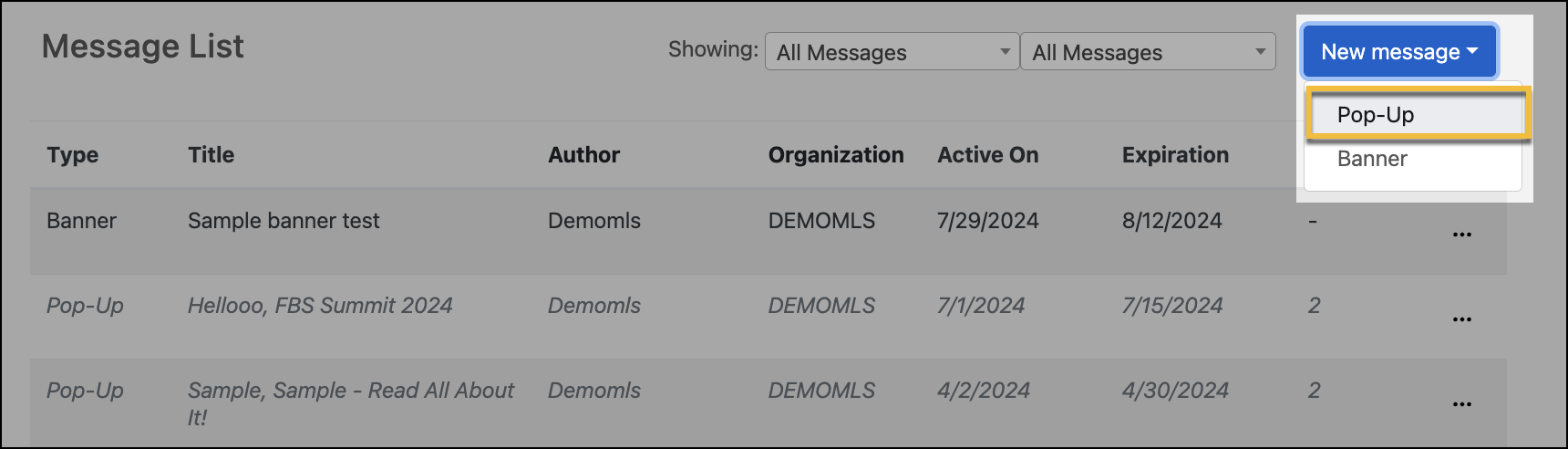
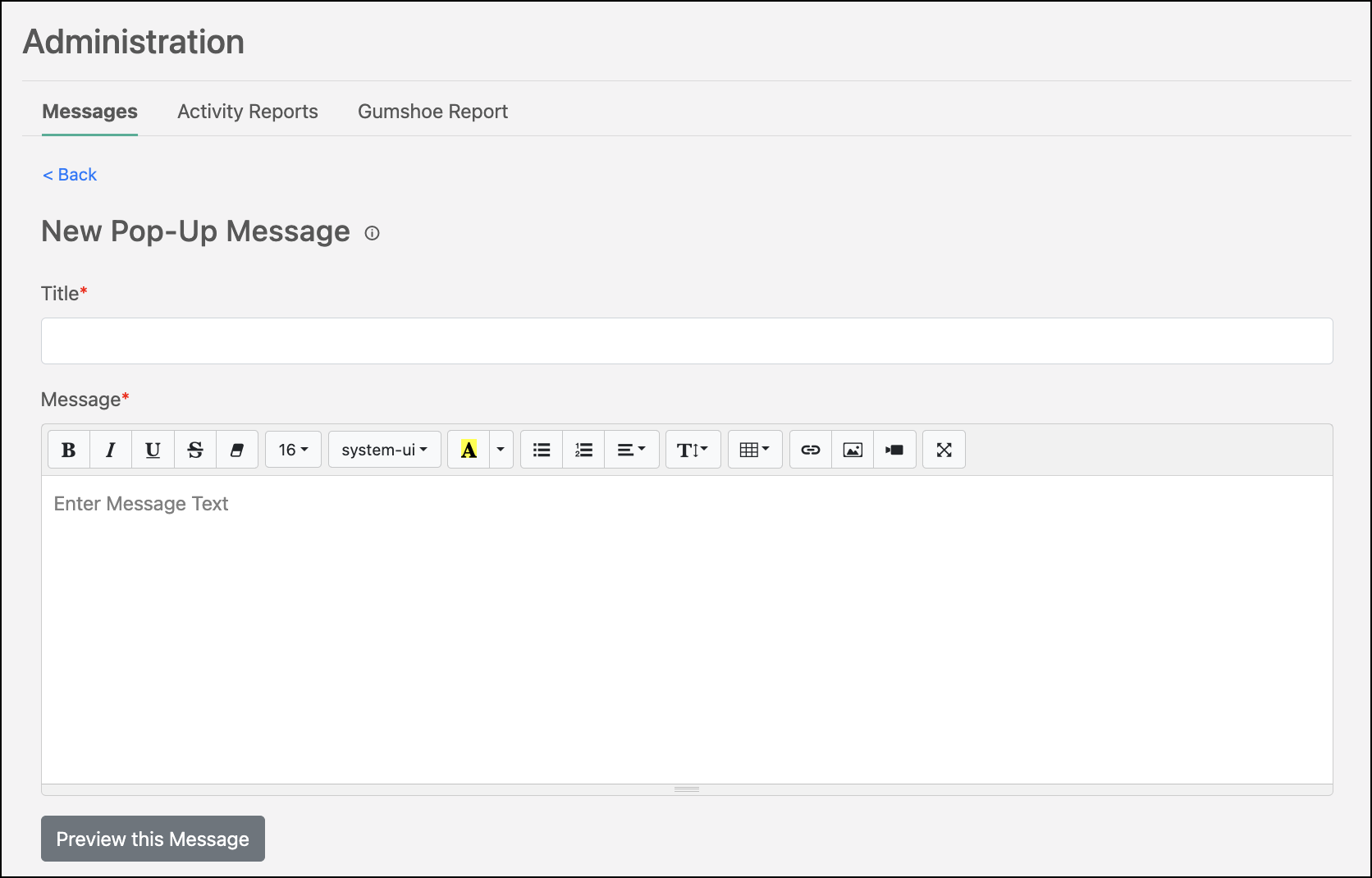
In the Launch dashboard, you have the option to create a pop-up message, which will display to your members each time they log into the dashboard until they have read and acknowledged the message. Click New Message, and select Pop-Up in the dropdown menu to begin a new pop-up message. When creating a new message, you are able to fully customize it. You can include links, videos, and photos.
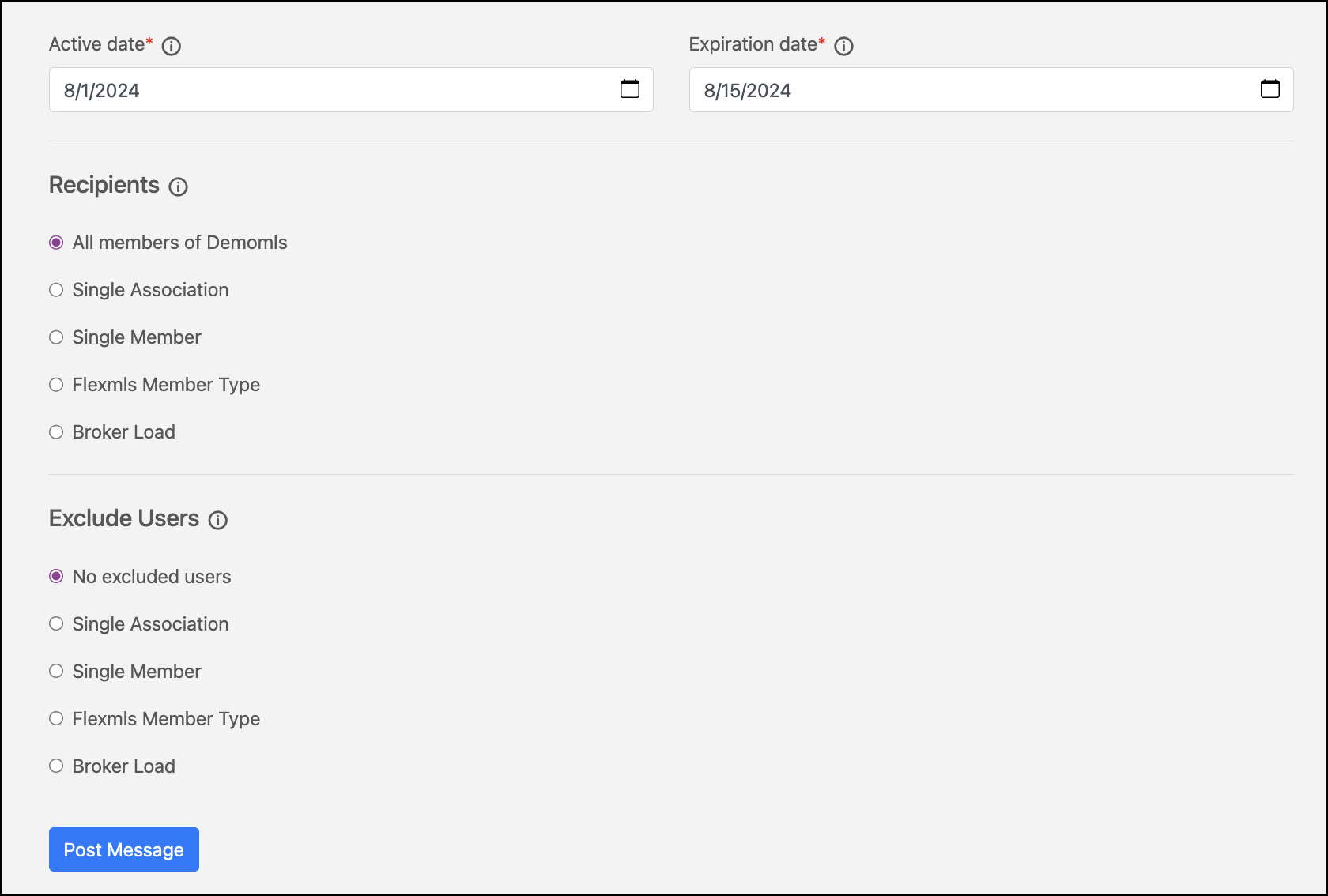
Select Preview this Message to see how the message will display for your members before you post it. Active Date and Expiration Date dictate when your message is shown to members. Recipients controls who you want your message to display for. For example, if you have a message that only needs to be seen by brokers, you can manage that there. You can also exclude a specific member or member type from a message. To share a message, click Post Message.
Note
If you have questions about what any of the settings mean, you can hover over the information  icon to learn more.