Launch Messaging
Ensure that your members don’t miss important MLS announcements by using the messaging feature in the Launch dashboard.
To access the messaging system, login to the Launch dashboard. Click the Profile icon, and select Admin in the dropdown menu.
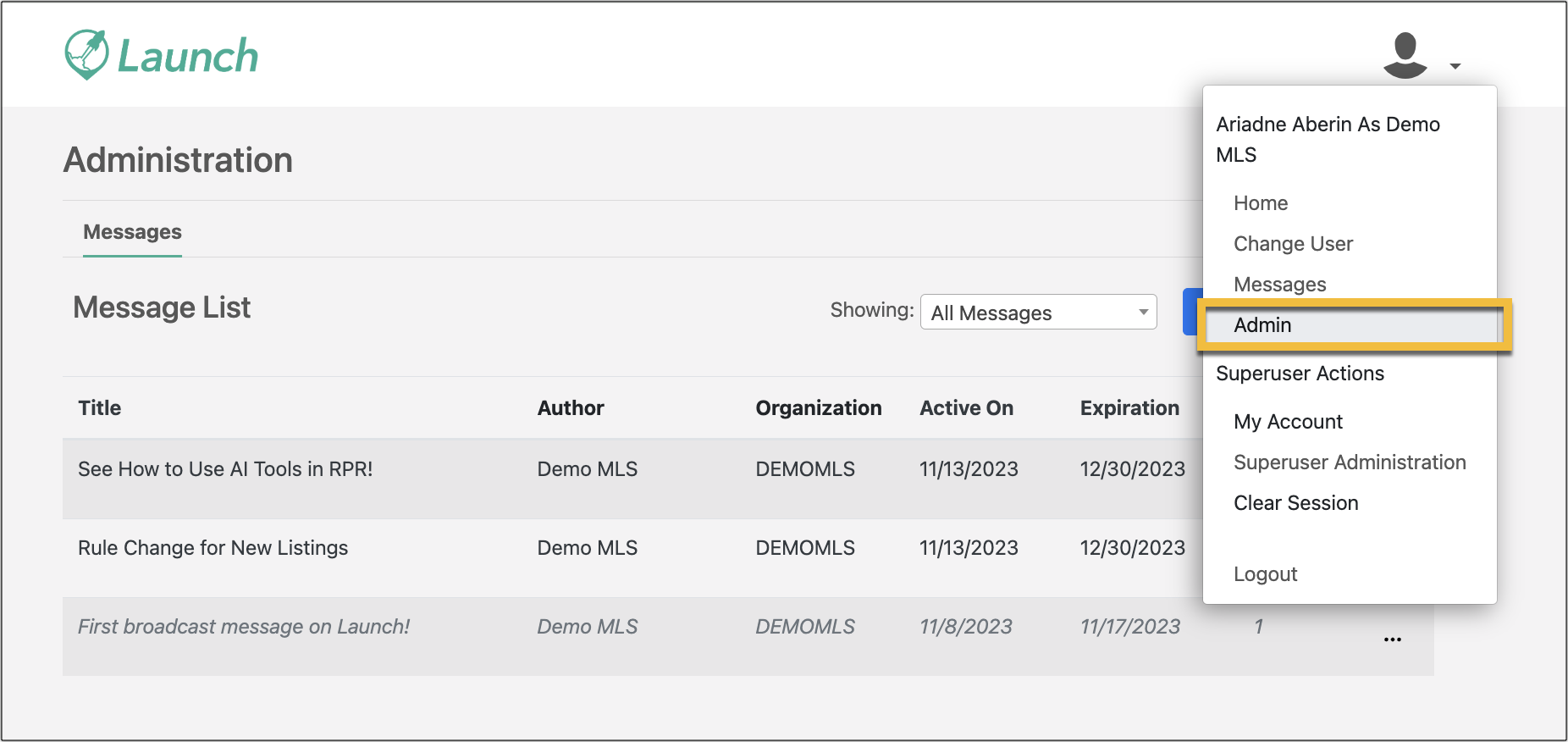
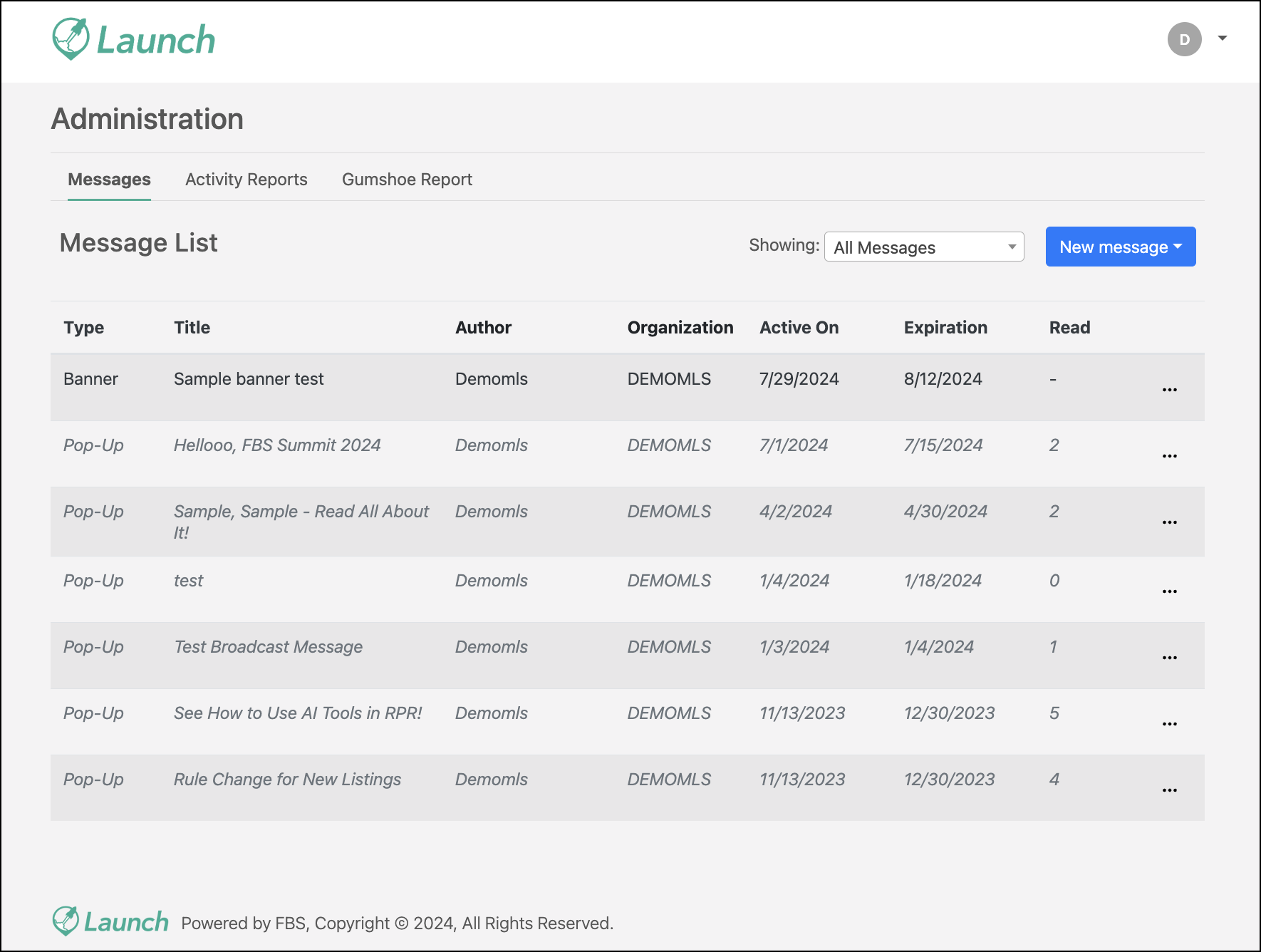
The Message List appears, which is a list of created messages that you can preview, edit, or delete. Expired, inactive messages will be grayed out and shown in italics.
Note
When you first access the messaging system, you won’t see any messages. However, the Message List is where you will create your first message, as well as new messages after that.
Refer to the pages listed below for more information on creating and posting messages in Launch, as well as using the various messaging functionalities available in Launch.