Monitor Messages
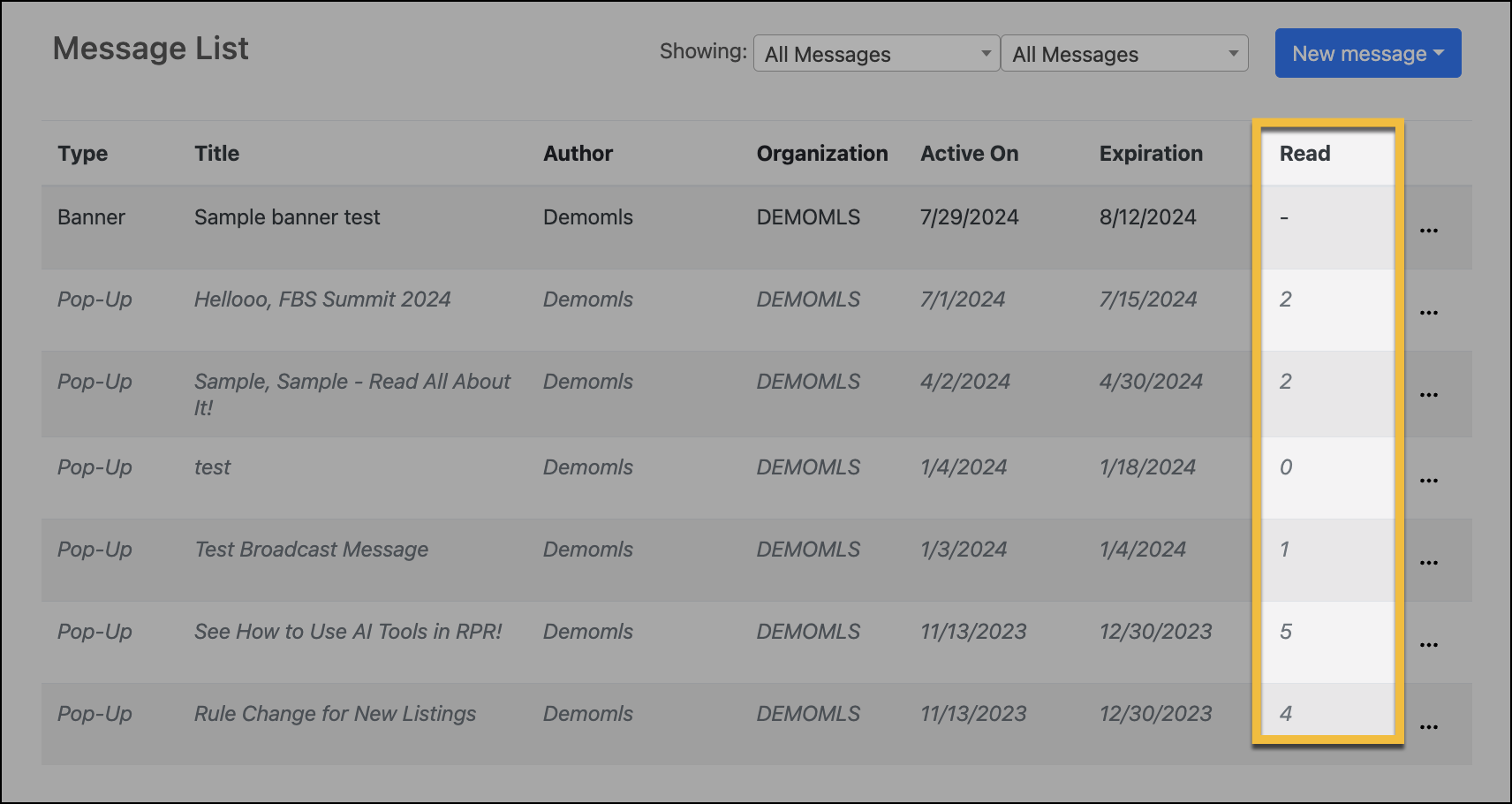
Use the Read column in the Message List to monitor the reach of MLS messaging. The “Read” column shows you the number of members who have read and acknowledged a message. As long as the message is Active, the “Read” number will update with each return to (or refresh of) the Admin messages list. The “Read” column is also sortable, so that you can view messages in order of most to least read, or vice versa.
Note
Only pop-up messages can be monitored and require acknowledgement in order to disappear. Banner messages do not require nor track acknowledgement. They remain visible to members and only disappear after their expiration date.