Segment Messages
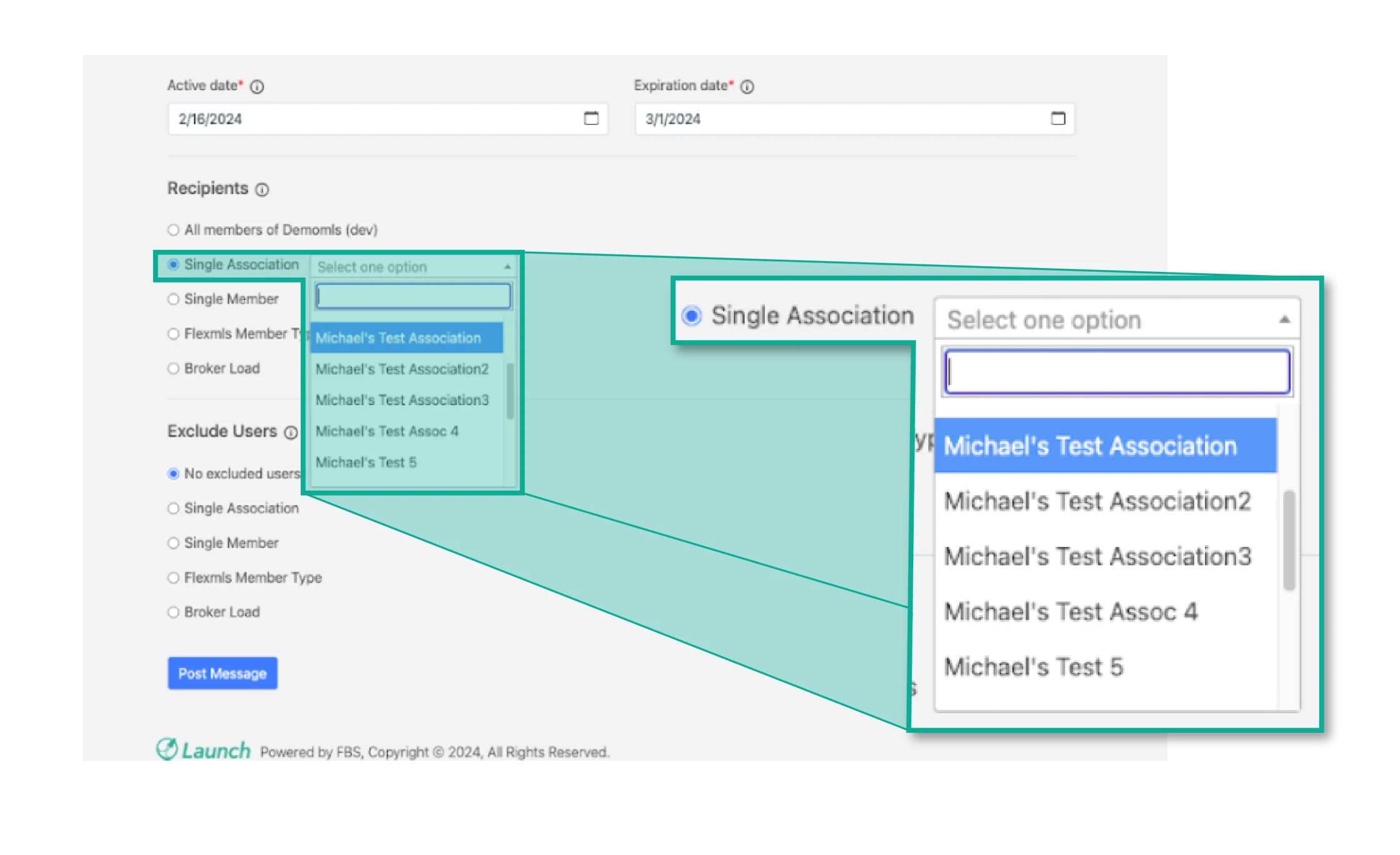
In the Launch messaging system, MLSs are able to segment message recipients by association. They can do this by selecting “Single Association” when drafting a message and then selecting the correct association from the dropdown menu.
The message will only display for members of the selected association. Keep in mind that you can only select one association at a time. If you would like to post the same message for multiple associations, use the “Copy” feature (found under the three dots menu when viewing all messages) to quickly copy the message, and then set Recipients to another Association.