What Members Will See
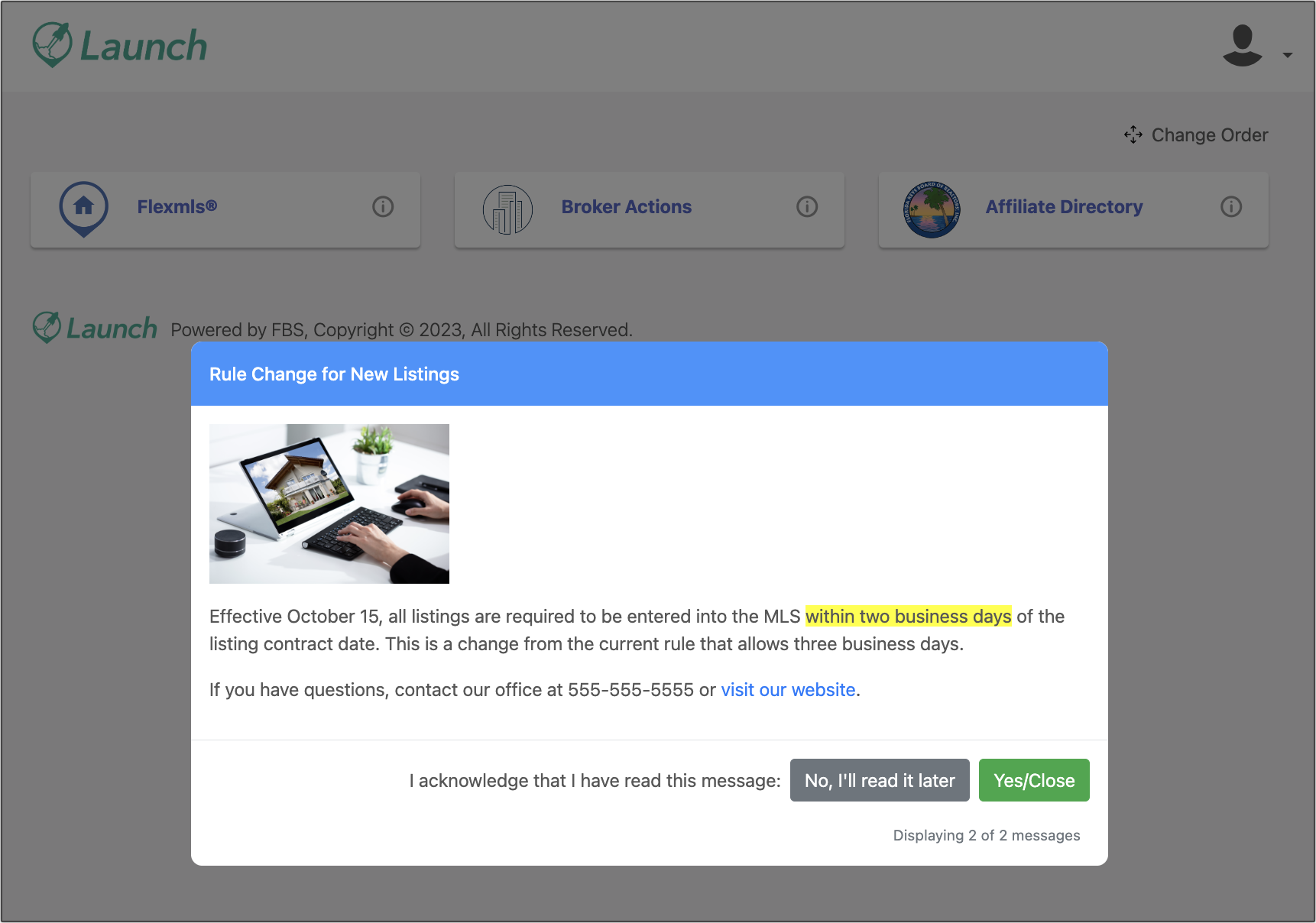
If you select Pop-Up when creating a new message, members will see your message displayed as a pop-up immediately upon logging into the Launch dashboard. They either have to acknowledge that they have read the message or select the option stating that they will read it later.
If a member selects “No, I’ll read it later,” the message will pop up again any time the Dashboard is refreshed, whether by clicking the browser refresh button or logging back into the Dashboard. The pop-up message will only disappear once a member acknowledges they have read the message.
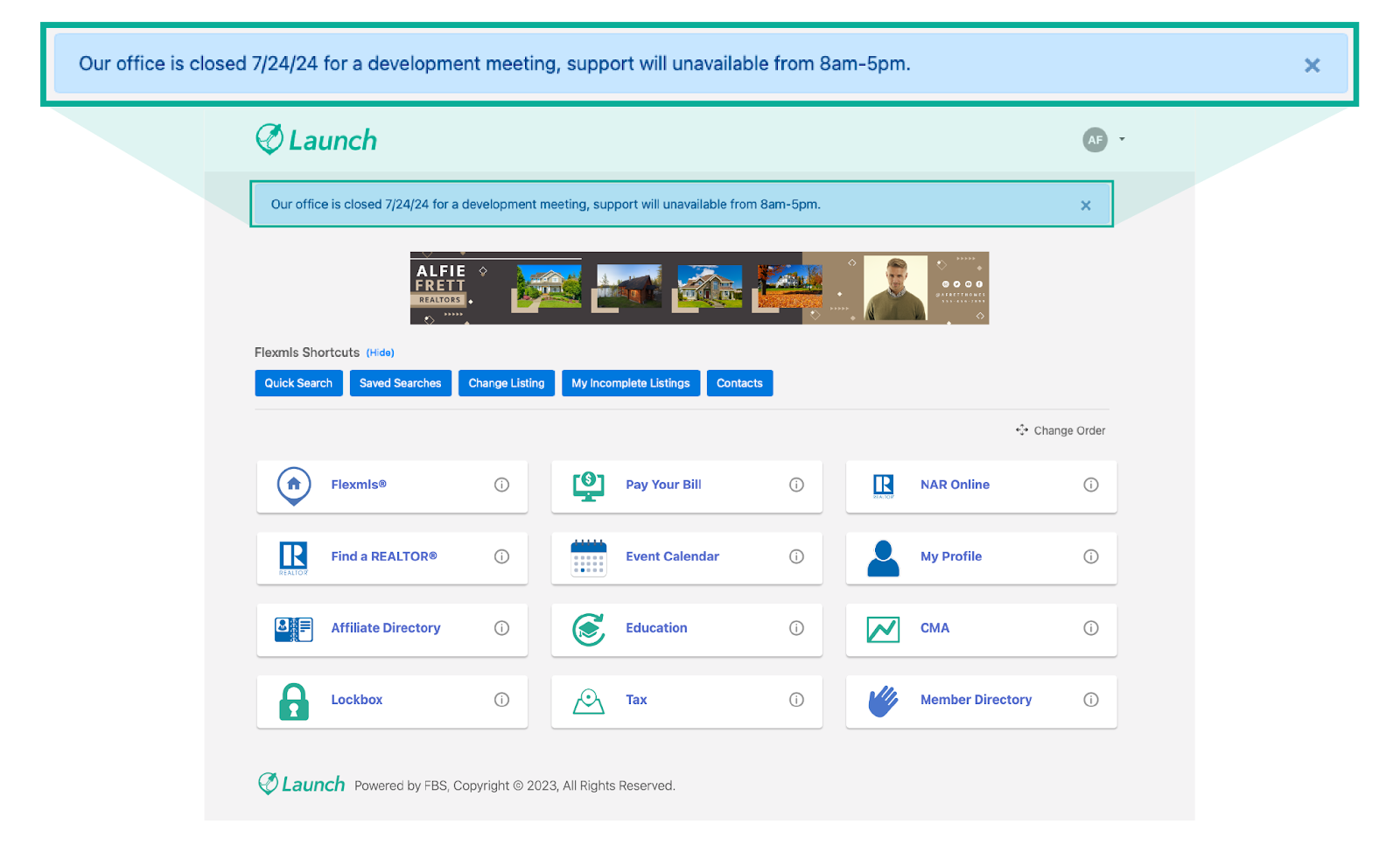
If you select Banner when creating a new message, members will see your message displayed as a banner at the top of the page immediately upon logging into the Launch dashboard. This banner will be displayed until the expiration date you designate. A member can hide the banner message by clicking the X button, but doing so will only hide the banner message for that session. If a member reloads the page, or logs out and then logs back in, the banner message will be displayed again, until the expiration date.
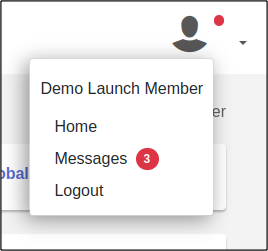
Members can also access a list of active messages by clicking Messages under the profile icon. The number in the red circle shows unread messages.