Add Photo Titles and Captions
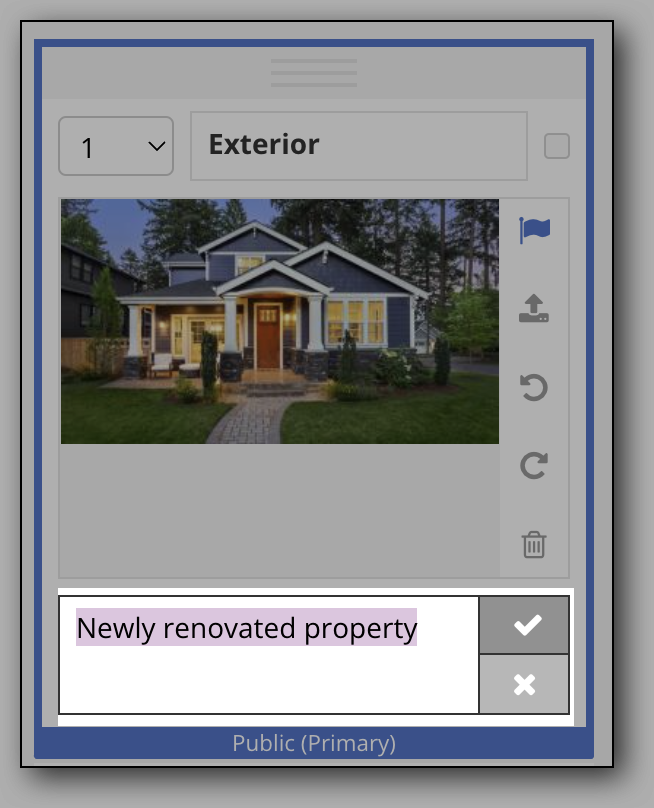
To add or change the title of a photo, hover over the title bar at the top and click the Edit title (pencil) icon. Click the Save changes (check mark) icon to save your changes.
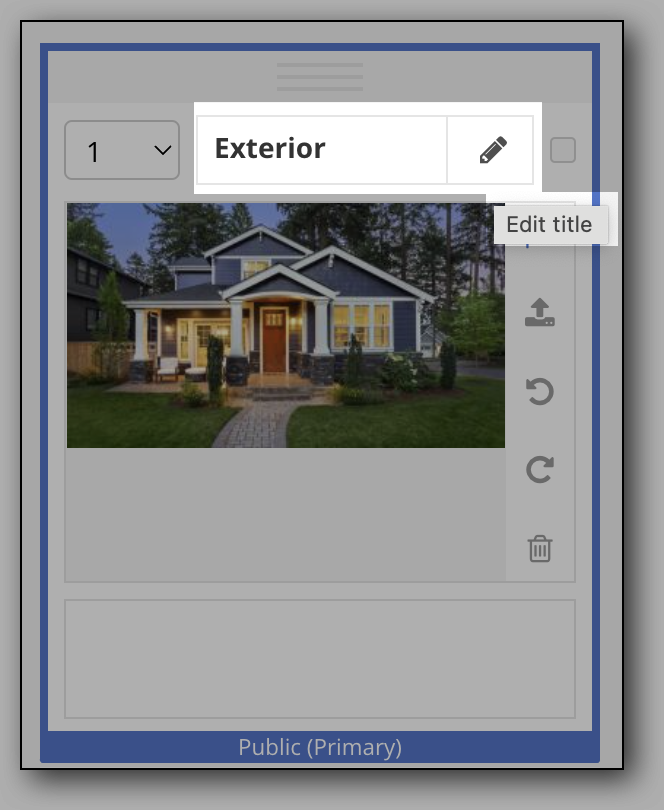
To add or change the caption for a photo, hover over the caption bar at the bottom and click the Edit caption (pencil) icon. Click the Save changes (check mark) icon to save your changes.
Note
If your MLS uses Auto Assistant+, you can use AI to auto-generate photo titles and captions when you upload your listing photos. For more information on how to use this feature, refer to the Auto Assistant+: AI-Generated Photo Titles and Captions help page.