Quick Launch Search Tips: Comparables
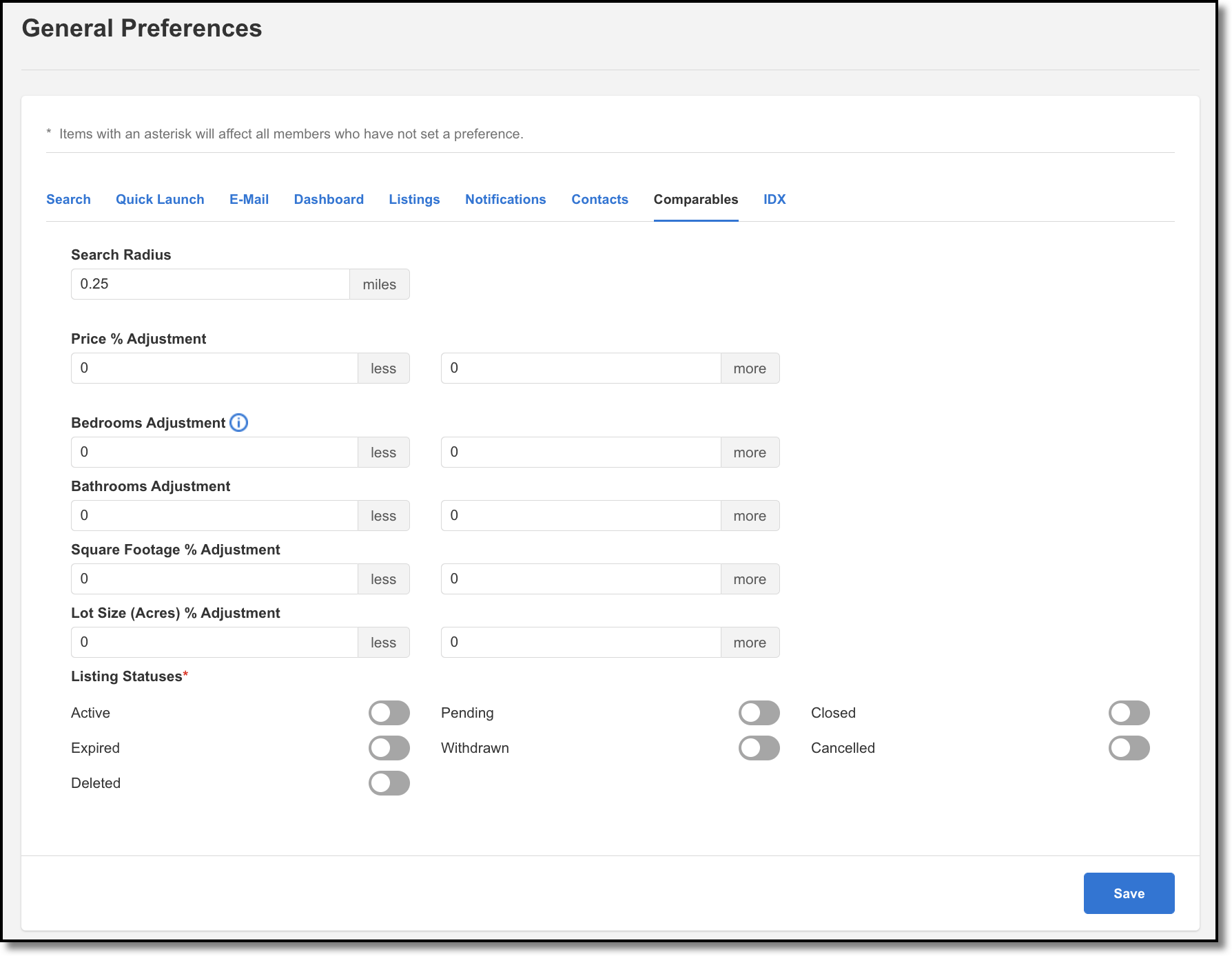
You can create a CMA using a one-click comparable search in Quick Launch. When you search by address or MLS number in Quick Launch, your comparable search results will be filtered by the preferences you set in the Comparables tab. Set your preferences for running a comparable search in the Comparables tab under General Preferences. Comparable search preferences include common filters such as radius, price, status, beds, baths, or square footage. The comparable search results can be used as a starting point for either a CMA or Subscription.
For more information about comparable searches, see Comparables .